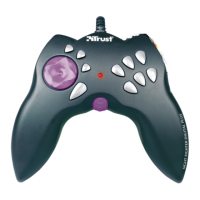
Sight Fighter Digital Plus
22
Problem Cause Possible solution
computer do
not work
when the
game pad is
connected to
the USB
connection.
joystick connection on your computer
instead.
The 3
rd
axis
(Throttle) is
the wrong
way round.
This is set as 'Reversed'
in the button mapping
software.
See chapter 5.2 to set this the other
way round.
Buttons 7 & 8
(top of the
game pad) do
not work.
These are set as the 4
th
axis (Rudder).
See chapter 5.2 to set these as
buttons.
Visit our Internet site (www.trust.com) to check the FAQs and the latest version of the
driver software.
If you still have problems with your game pad after trying these solutions, please
contact your dealer.


 To Next Page