EasyManua.ls Logo

TUFFA TANKS 30000VBFS - User Manual

Default Icon
31 pages
Print Icon
To Next Page IconTo Next Page
Loading...
TUFFA
FUEL
STATIONS
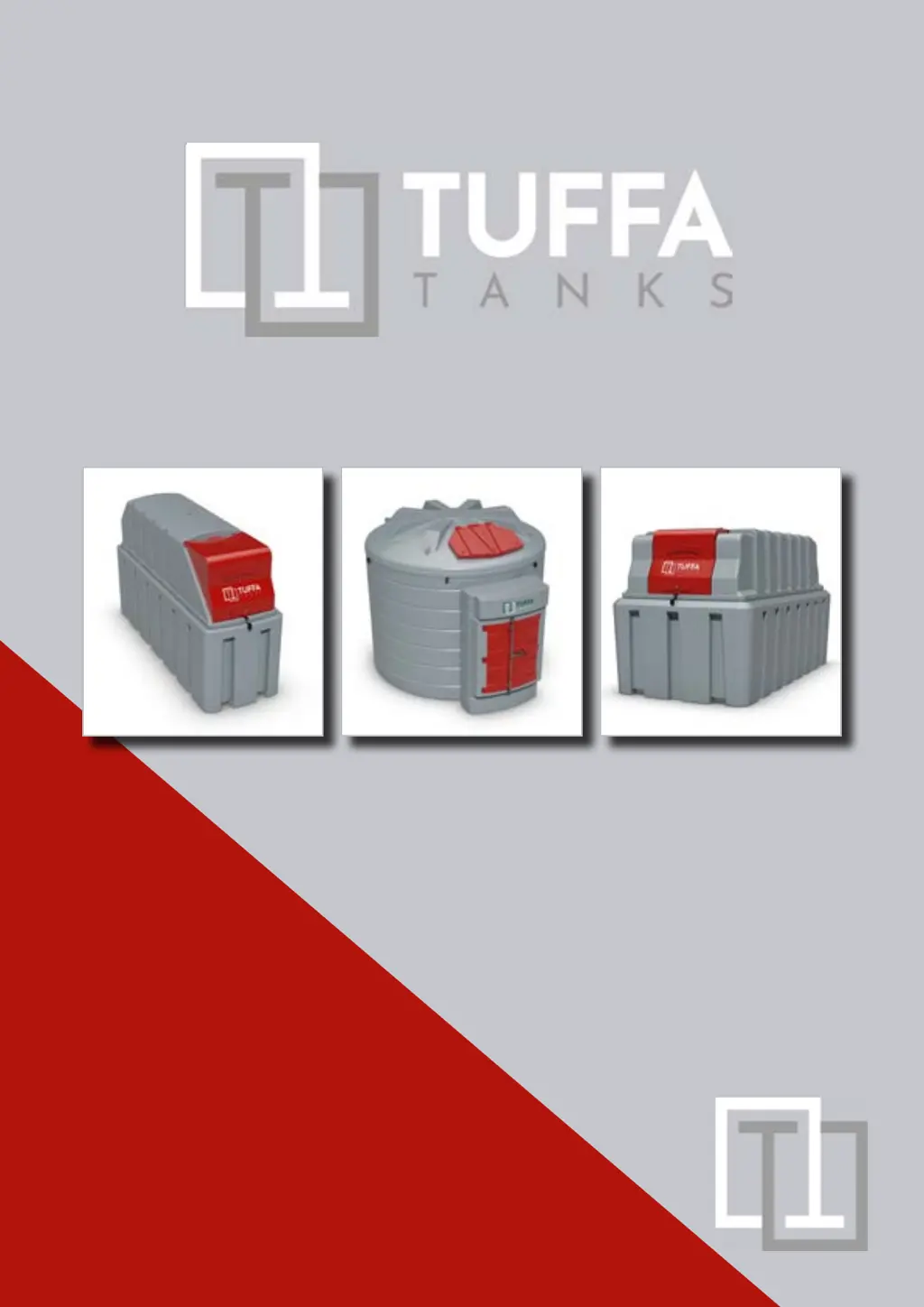
Installation, Operation and Servicing Manual Version 3.0.0
Models:
1350SLBFS | 2500HBFS | 3500VBFS | 6000VBFS | 10000VBFS | 15000VBFS | 30000VBFS

Questions and Answers

  • G
    Gary TorresSep 10, 2025
    How to fix nozzle holster not switching pump correctly on TUFFA TANKS 30000VBFS Industrial Equipment?
    • E
      Elizabeth Johnston PhDSep 10, 2025
      If the nozzle holster isn't switching the pump correctly on your TUFFA TANKS Industrial Equipment (for auto operation nozzle holster versions only), try replacing the micro switch. If that doesn't work, adjust the position of the micro switch or switch lever.
  • K
    kevin89Aug 23, 2025
    Why does the level gauge not show a reading on my TUFFA TANKS 30000VBFS Industrial Equipment?
    • J
      John WilliamsAug 23, 2025
      If your TUFFA TANKS Industrial Equipment's level gauge isn't showing a reading, first check the power supply and cable connections to the gauge. Next, inspect the sensor cable connections inside the gauge unit to ensure they are secure.
  • A
    Austin Le MDAug 25, 2025
    How to fix slow flow rate in TUFFA TANKS 30000VBFS Industrial Equipment?
    • T
      Tyler PhillipsAug 25, 2025
      To address a slow flow rate in your TUFFA TANKS Industrial Equipment, the primary solution is to replace the filter element, as there is likely a blockage in the system.
  • E
    Elizabeth Robinson DVMAug 27, 2025
    What to do if the MC BOX does not switch on in TUFFA TANKS Industrial Equipment?
    • H
      holtdonnaAug 27, 2025
      If the MC BOX on your TUFFA TANKS Industrial Equipment doesn't switch on, check the power connections to ensure they are correct. Make sure the disconnect switch is in the ON position and inspect the fuse. If it's a DC version, verify the vehicle key is in the ON position.
  • V
    vrogersAug 28, 2025
    How to repair pipework leaking in TUFFA TANKS 30000VBFS?
    • M
      Michael LeeAug 28, 2025
      If there's a pipework leak in your TUFFA TANKS Industrial Equipment, tighten the connection if it's a threaded connection that has come loose. If the thread sealant has degraded, it will need to be replaced. Similarly, replace any perished O-rings or seal joints. If the swaged hose ends are leaking, the entire hose assembly needs replacing.
  • N
    Nathan RuizAug 29, 2025
    Why is the bund alarm not working on my TUFFA TANKS 30000VBFS Industrial Equipment?
    • K
      kimberly00Aug 29, 2025
      If the bund alarm on your TUFFA TANKS Industrial Equipment isn't working, check the position of the bund float switch and adjust it to hang approximately 1 inch off the bund floor. Also, ensure the float switch can move freely and isn't blocked; replace it if necessary.
  • C
    Christine AlvaradoSep 18, 2025
    What to do if TUFFA TANKS 30000VBFS Industrial Equipment system does not recognise the USER?
    • A
      April ArcherSep 18, 2025
      If the system does not recognise the “USER” with PIN CODE or Electronic key on your TUFFA TANKS Industrial Equipment, the system MANAGER needs to set up a New User or link the key to the User.
  • J
    Jacqueline FowlerSep 12, 2025
    What to do if TUFFA TANKS Industrial Equipment does not count when dispensing?
    • D
      drobertsonSep 12, 2025
      If your TUFFA TANKS Industrial Equipment is dispensing, but not counting, check the connections of the pulser that emits the count signals.
  • J
    Jason GreerSep 8, 2025
    What to do if MC BOX turns on but no words appear on TUFFA TANKS 30000VBFS?
    • W
      Walter TrevinoSep 8, 2025
      If the MC BOX on your TUFFA TANKS Industrial Equipment turns on, and the displays light up, but no words appear (or the words are irregular), the AUTO/MAN jumper is likely in the MAN position. To fix this, put the jumper in the AUTO position.
  • M
    Melissa WheelerSep 5, 2025
    What to check if TUFFA TANKS 30000VBFS Industrial Equipment has no power?
    • P
      Paul StewartSep 5, 2025
      If your TUFFA TANKS Industrial Equipment has no power, begin by checking the local distribution board RCD. Then, examine the condition of the power cables and their connections. Next, open the system control panel to check the circuit breakers and cable connections inside. Finally, check the battery level and clip connection.

Summary

Introduction, Conditions of Use, and Safety

1. Introduction

Provides specific instructions for installation, operation, and maintenance of Tuffa Tanks systems.

2. Conditions of Use

Outlines essential conditions and responsibilities for safe and correct use of the Tuffa system.

3. Safety Precautions

Highlights critical safety warnings and precautions for installation and operation.

Product Description

4.1 Product Identification

Details the location and content of the identification plate on each system.

4.2 Product Specification

Provides detailed technical specifications for various Tuffa Fuel Station models.

Product Dimensions

4.3 Product Dimensions (Models 1350 SLBFS & 2500 HBFS)

Presents dimensional drawings for the 1350SLBFS and 2500HBFS models.

Product Dimensions

4.3 Product Dimensions (Models 3500 VBFS & 6000 VBFS)

Displays dimensional drawings for the 3500VBFS and 6000VBFS models.

Product Dimensions

4.3 Product Dimensions (Models 10000 VBFS & 15000 VBFS)

Shows dimensional drawings for the 10000VBFS and 15000VBFS models.

Product Dimensions & Transport;Storage

4.3 Product Dimensions (Model 30000 VBFS)

Illustrates dimensional drawings for the 30000VBFS model.

5. Transport & Storage Guidelines

Provides guidelines for safe loading, off-loading, and securing units during transport and storage.

Installation & Commissioning

6.1 Installation Guidelines

Covers compliance with legal requirements and site checks after delivery.

6.2 System Installation & Foundation

Details system installation requirements and the need for a suitable concrete foundation.

6.3 System Location

Provides guidance on optimal system positioning for access and safety.

6.4 Electrical Requirements

Outlines electrical specifications and safety precautions for qualified electricians.

6.5 Electrical Wiring Diagrams

Presents wiring diagrams for various Tuffa Fuel Station models.

Operation of the System

7.1 Using the System

Emphasizes the need for trained personnel to understand operation and maintenance.

7.2 Summary of Main Parts (1350; 2500)

Identifies key components of the 1350 and 2500 models.

Operation of the System

7.3 Summary of Main Parts (3500-30000 Models)

Details the main components for 3500, 6000, 10000, 15000, and 30000 models.

Operation of the System

7.4 Filling a Tuffa Fuel Station

Provides step-by-step instructions for safely filling the Tuffa Fuel Station.

7.5 Dispensing Diesel into Vehicle

Details the procedure for dispensing diesel fuel into a vehicle.

7.6 Equipment Components: FMS Gauge Level

Explains the FMS gauge level system, including its alarms.

Operation of the System

7.6 Equipment Components: FMS Alarms and Wiring

Details FMS alarms (low, empty, bund) and the FMS wiring diagram.

7.6 Equipment Components: Flowmeter Details

Provides general information and technical data for the K33 mechanical flowmeter.

Operation of the System

7.6 Equipment Components: Flowmeter Installation & Calibration

Guides on installing and calibrating the K33 mechanical flowmeter.

Operation of the System

7.6 Equipment Components: Flowmeter Use & Maintenance

Details flowmeter use, gravity use, and maintenance procedures.

7.7 Meter Disassembly & Troubleshooting

Explains meter disassembly, reassembly, and lists common problems, causes, and solutions.

MC Box Fuel Management System

3. MC Box Operation and Features

Explains the functionality, specifications, and operation of the MC Box Fuel Management system.

MC Box Fuel Management System

MC Box Electrical Connections (AC & DC Versions)

Details electrical connection requirements for AC and DC versions of the MC Box system.

MC Box Fuel Management System

MC Box External Electrical Connections Diagrams

Illustrates external electrical connection diagrams for 12Vdc/24Vdc and 230Vac/110Vac MC Box systems.

MC Box Fuel Management System

MC Box Internal Electrical Connections Diagram

Shows the internal electrical connections diagram for 12Vdc/24Vdc MC Box units.

MC Box Commissioning & Configuration

Details the commissioning sequence, power supply, and station configuration for MC Box systems.

MC Box Fuel Management System

Disengaging MC System & Daily Use

Explains how to disengage the MC system for maintenance and daily user access methods.

Meter Calibration & Accuracy Checks

Guides on checking and calibrating the meter accuracy before use.

Watchman Sonic System

4. Watchman Sonic: Installation & Setup

Details requirements for fitting the Watchman Sonic transmitter to the tank and preparing the tank.

Watchman Sonic System

5. Watchman Sonic: Transmitter Fitting & Sonic Height Definition

Guides on fitting the transmitter base and defining the sonic height for accurate readings.

6. Watchman Sonic: Receiver Settings & Transmitter Matching

Details setting receiver switches and matching the receiver with the transmitter.

Watchman Sonic System

7. Watchman Sonic: Fitting Transmitter to Base & Checking Level

Describes fitting the transmitter to the base and checking the oil level reading.

9. Watchman Sonic Receiver Multi Switch Setting Chart

Provides a chart for setting receiver switches based on tank height measurements.

Maintenance of the TUFFA TANKS

8.1 System Maintenance Tasks

Lists routine maintenance activities and their recommended frequencies.

8.2 Inspection by Competent Person

Details inspections to be performed by a competent person during deliveries.

8.3 Internal Examination and Cleaning

Covers requirements for internal tank examinations and cleaning procedures.

Maintenance of the TUFFA TANKS

8.4 Troubleshooting Guide

Provides a comprehensive troubleshooting guide for common system issues.

Maintenance Records and Logs

8.5 Tank Maintenance Record

Provides a log for recording tank maintenance activities and details.

8.6 Fuel Delivery Log

Provides a log for recording fuel deliveries to the tank.

Warranty, Contact, and Guarantee Registration

9. Warranty Information

Details the warranty periods for tanks and accessories and conditions for claims.

10. Contact Details

Provides contact details for Tuffa UK Limited.

11. Guarantee Registration

Instructs users on how to register their tank warranty online.

TUFFA TANKS 30000VBFS Specifications

General IconGeneral
BrandTUFFA TANKS
Model30000VBFS
CategoryIndustrial Equipment
LanguageEnglish