14
Once you have set your EV700 to
“Swipe Card & App” mode, a charge
cannot begin without an RFID card or
the mobile app.
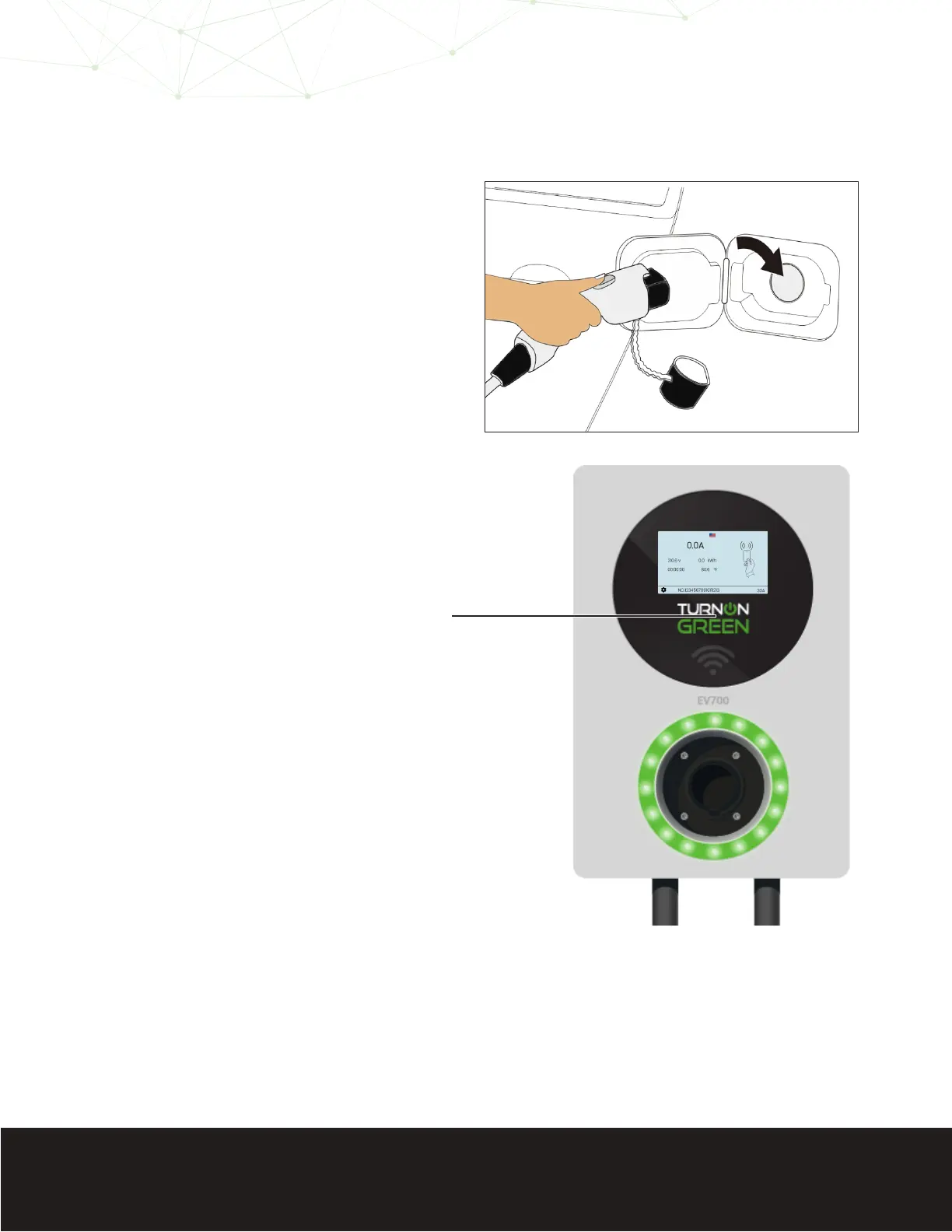
Plug the EV700 into your electric
vehicle.
The EV700 will prompt you to activate
a charge session by swiping your RFID
card, or by using the mobile phone
application.
The charging session will not
commence until an RFID card
has been swiped, or the mobile
application has initated the charge.
Swipe the RFID card just above the
Wi-Fi symbol to initiate a charge
session.
Place the RFID card on the machine
for a minimum of two (2) seconds.
You may also activate a charge in this
mode. Follow the steps on page 12
to activate a charge using the mobile
application.
Plug In
Screen Prompt
Swipe RFID Card
Mobile Application
1
2
3
4
Swipe
Here!
Swipe Card & App


 To Next Page