www.Turtle-Beach.com
Page 8
Audio Troubleshooting Procedure
If this section doesn’t solve the problem, please refer to the Reference Manual on the enclosed CD.
If audio plays out the headphone output, Audiotron is working. Check the
stereo system and the audio cables to make sure they're set up properly.
Note: Inserting headphones will mute the rear panel analog line outputs.
Make sure the Mute button
isn't on.
Mute silences the audio output when the LED is lit.
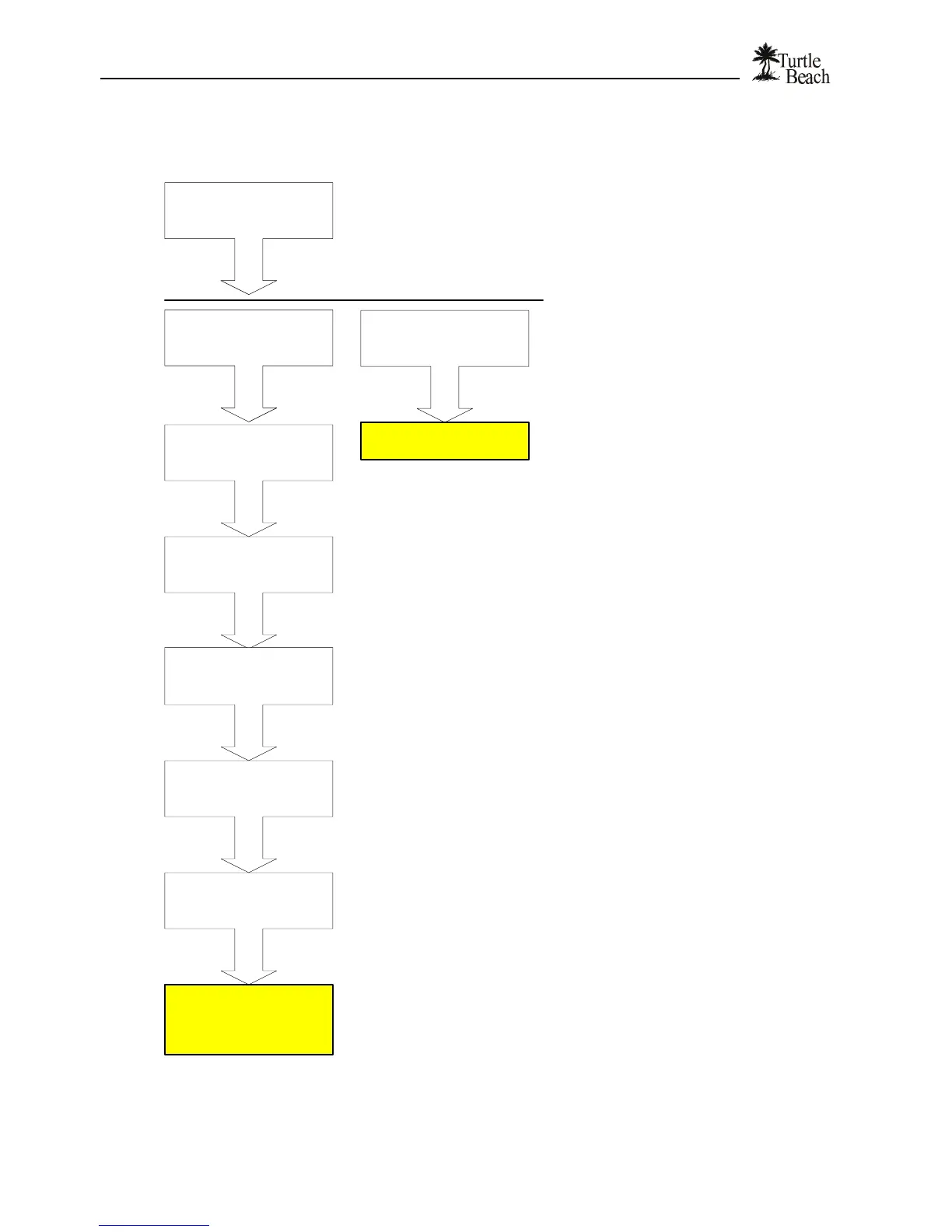
Can you hear the song from
the headphone jack?
Do any other songs in the
list play?
Turn the Standby button
off and on.
Standby resets the AudioTron's audio outputs.
Some songs may not play because they may have had formatting problems
when originally converted from CD. See the Reference Manual for more details.
Are the audio outputs
properly connected?
Make sure the cables are connected to the proper audio inputs on your stereo receiver.
Try another cable or try the same cable on your CD player to confirm the problem is not
due to the cables and/or the inputs on your receiver.
See the Reference Manual
for troubleshooting tips.
Press PLAY
Song time indicator is
incrementing and you can
hear the song play.
No problem.
What happened?
Song time indicator is
incrementing but you can't
hear the song play.


 To Next Page