5
Elite Pro Tactical Audio Controller
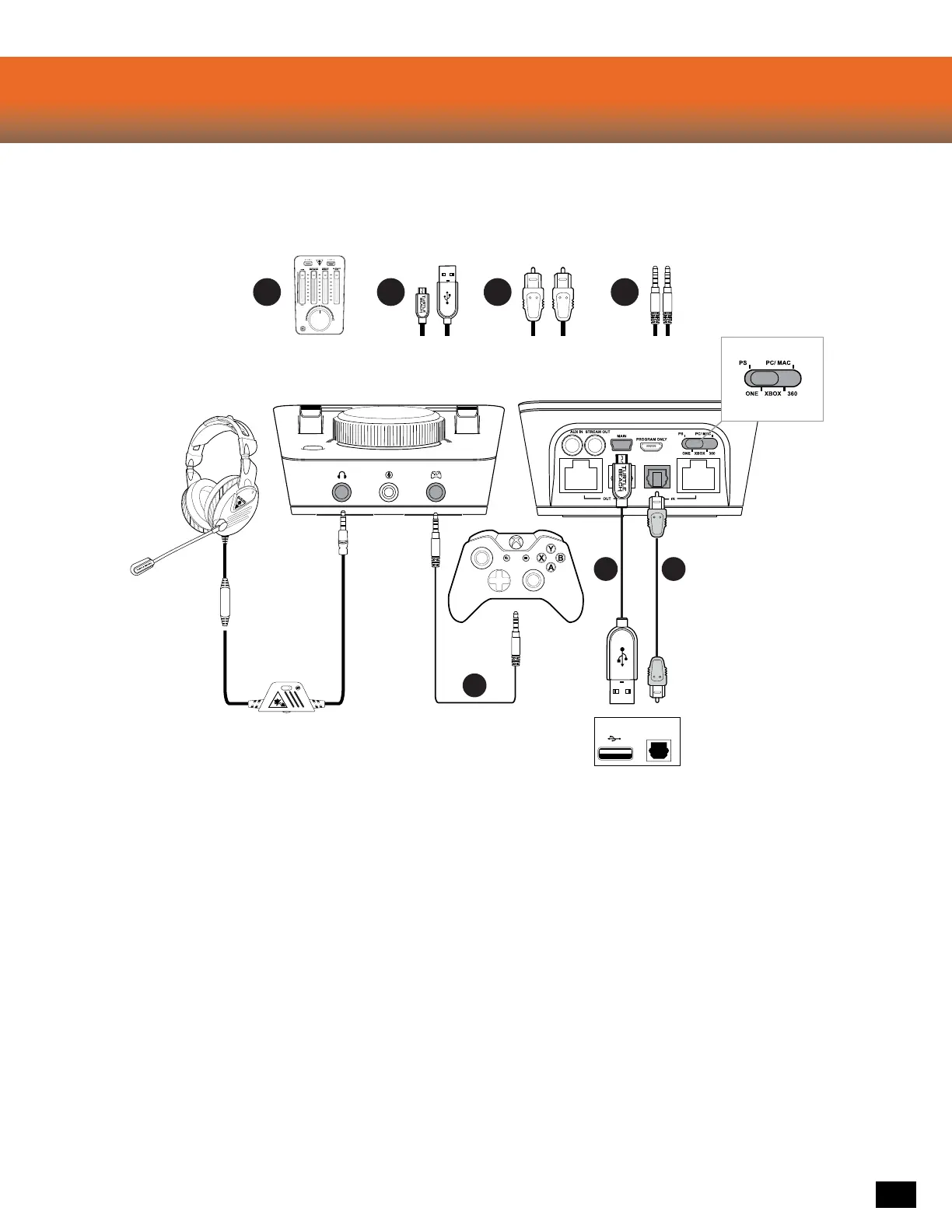
Xbox One Setup
PC Setup
Required
C DBA
B
D
C
DIGITAL OUT
(OPTICAL)
CONSOLE
Compatible out-of-the-box with the new Xbox One
Controller with 3.5mm jack. Other Xbox One
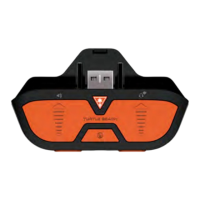
Controllers require a Elite Pro Tactical Audio
Adapter(sold separately).
1. Go to Settings >> All Settings >> Display & Sound >> Audio Output
a. Select Optical Audio >> Bitstream Out
b. Select Bitstream Format >> Dolby Digital
Xbox One Controller with 3.5mm Jack
1. Go to Settings >> All Settings >> Kinect & Devices >> Devices
& Accessories >> Xbox One Wireless Controller >> Volume
a. Set Headset Volume to Maximum
b. Set Headset Chat Mixer to output Chat Only
c. Set Mic monitoring to Minimum
Xbox One Controller with Headset Audio Controller
1. Adjust the HAC to output only Chat Audio
2. Hold down Mic Mute to adjus
t and turn off the HAC
Mic Monitoring













 To Next Page