TUTA S30 GSM POWER SOCKET USER MANUAL
#******# Family number has been deleted.
Failed SMS reply
#******# The family number does not exist.
3.2 Change password
Method
The Master user sends following SMS message in order to:
Change the password: #04# Oldpassword # Newpassword # (9)
•
The password is a four digit number.
•
The original password is 1234.
Successful SMS reply
New password is ****.
3.3 Switching on/off the socket output manually
Description
•
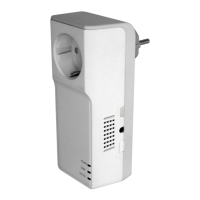
When the socket output is switching on, TUTA S30 offers power
supply for electronic appliance which being connected with it; the
red indicator light is lighted constantly. Otherwise, TUTA S30 has no
power supply for electronic appliance and the red light is turned off.
•
Note: If the socket output status is changed manually (including


 To Next Page