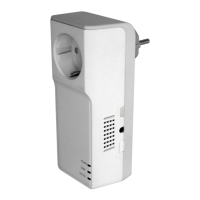
TUTA S30 GSM POWER SOCKET USER MANUAL
Successful SMS reply
Beep alarm activated/de-activated.
3.11 Check status
Method
The Master user sends following SMS message in order to:
Check socket operating status: #07# (36)
After receiving the SMS commands, TUTA S30 will reply one SMS
message of socket status checking:
Number:***********,**********
Status: ON/OFF
TEMP:**
Temp control:function ON/OFF
Schedule control:function ON/OFF
Delay control:function ON/OFF
Check socket output status: #000# (37)
After receiving the SMS commands, TUTA S30 will reply one SMS
message of socket output status:
Status: ON
Temp:23.


 To Next Page