93
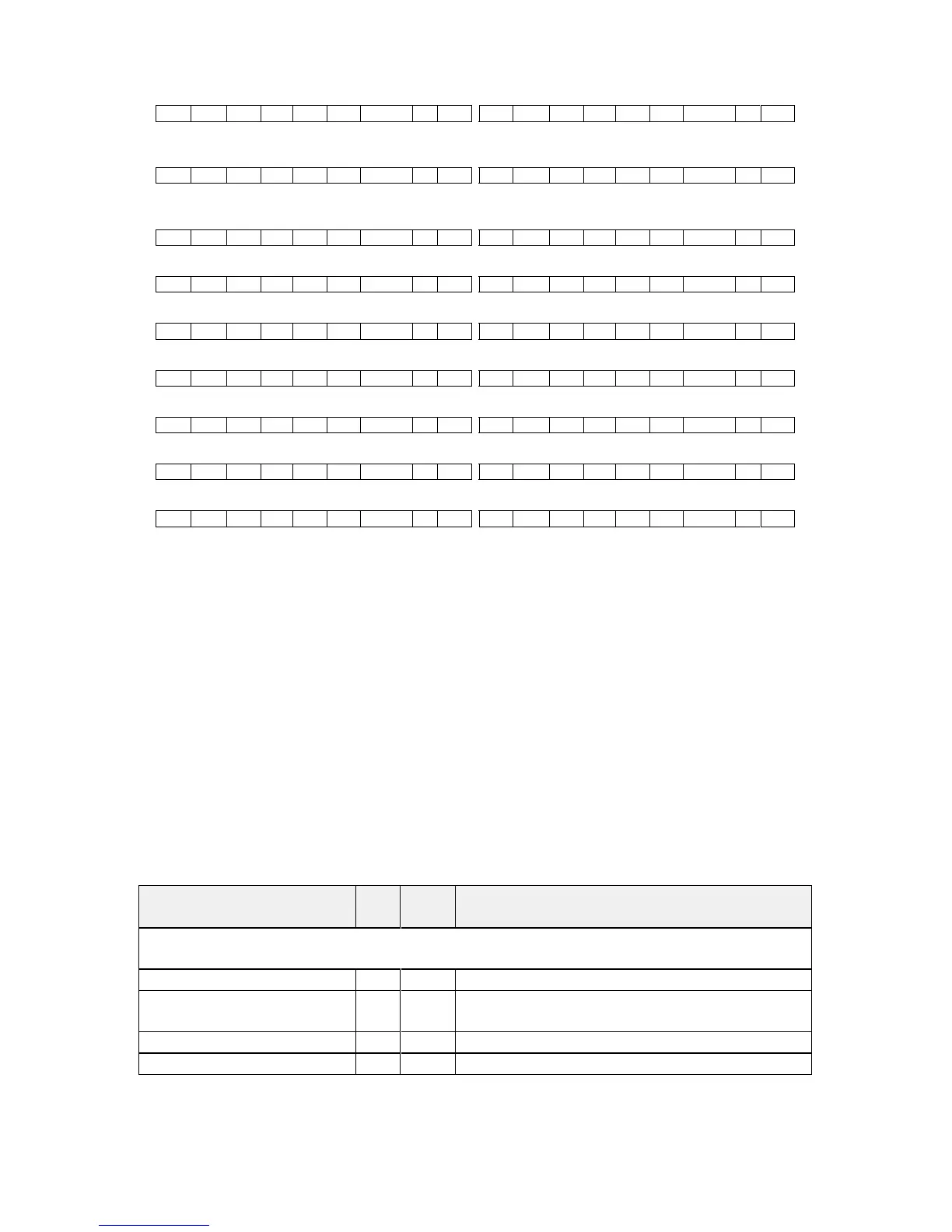
F 04 00 41 01 02 000001 ?? CR F 44 00 42 01 02 000001 8A CR
Set 1A Shrink to 110 – invalid max for shrink is 100
F 04 00 41 00 87 00006E ?? CR F 44 00 41 00 87 000064 70 CR
Read 1C Zoom level – invalid as window C does not
exist
F 84 00 43 00 86 - ?? CR F 04 00 43 00 86 000000 CD CR
Read 1B Zoom level Zoom = 100
F 84 00 42 00 86 - ?? CR F 44 00 42 00 86 000064 70 CR
Set baud to 9600 Reply is at 9600 baud
F 04 00 42 00 AB 000000 F0 CR F 44 00 42 00 AB 000000 30 CR
Set 1A Zoom = 300
F 04 00 42 00 86 00012C F7 CR F 44 00 42 00 86 00012C 37 CR
Set 1A Shrink to 50
F 04 00 42 00 87 000032 FE CR F 44 00 42 00 87 000032 3E CR
Set 1A Shrink H Posn to 0
F 04 00 42 00 DA 000000 1F CR F 44 00 42 00 DA 000000 5F CR
Set 1A Shrink V Posn to 100
F 04 00 42 00 DB 000064 84 CR F 44 00 42 00 DB 000064 C4 CR
11.5 Reading and writing macros
Depending on the unit connected there can be up to 7 macros stored in the
unit. These macros can be programmed to perform a specific task, for
example enable PIP mode, Position pip window at H=0, V=0, Zoom in to
120%.
The WIN and OUT bytes are not used for macro reading or writing and should
be set to WIN=1A and OUT = 0
The CHA byte indicates the macro we are programming / reading / running.
Macro 1 to 5 are CHA 0..4, CHA=5 is restore, CHA 6..7 are Macros 6..7.
Macro Restore (CHA=5) is read only, the units restore state is set by sending
the Store command (0C8).
Menu text CHA FUNC
(Hex)
Range of adjustment (decimal)
Macro
Run macro 0..7 F1 0..1 = Run, Erase macro
Number of items within
macro
0..7 F4 Read Only
Function to adjust 0..7 F2 0..4095
Value 0..7 F3 Value for Function


 To Next Page