121
In the Ethernet section be sure to set the IP address to the same as the
address you have set on the unit (units Ethernet menu). The port number
used should also reflect the port number on the unit.
If there are multiple units on the network then this port number should be the
same for all units, only the IP address must be unique.
14.2 Connecting to a unit
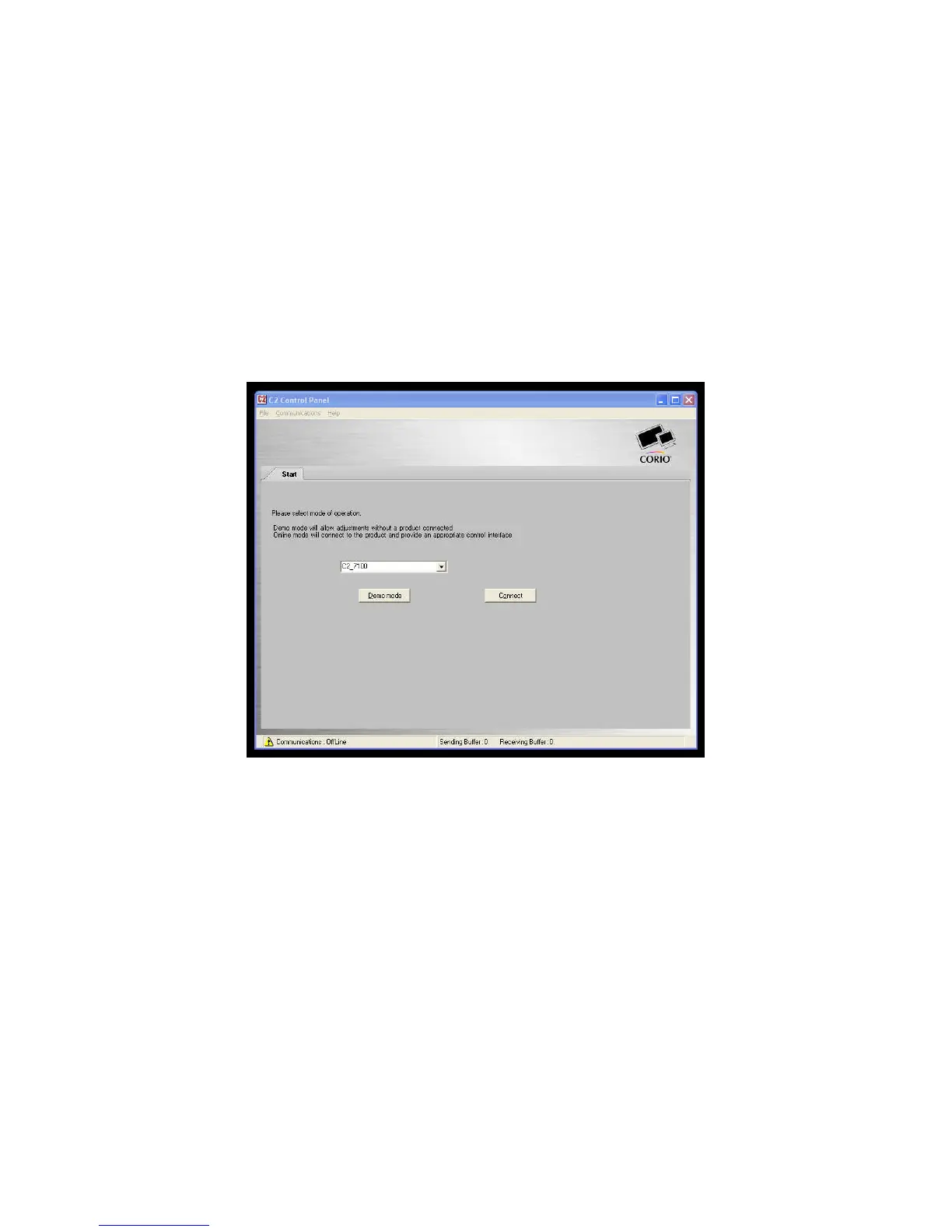
This main screen allows you to operate the application in one of two modes,
firstly “Demo” mode which allows you to familiarize yourself with the unit
control without having a unit connected. To use demo mode select the
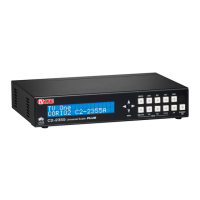
product to demo from the dropdown box and then press Demo mode.
Figure 3 Main screen
Secondly “Connect” mode which connects to a device that you have attached
via Ethernet or Serial. On pressing the Connect button, the software will
detect the unit connected and show the appropriate controls and features.


 To Next Page