60
9.11.2 DVI Source Menu Items
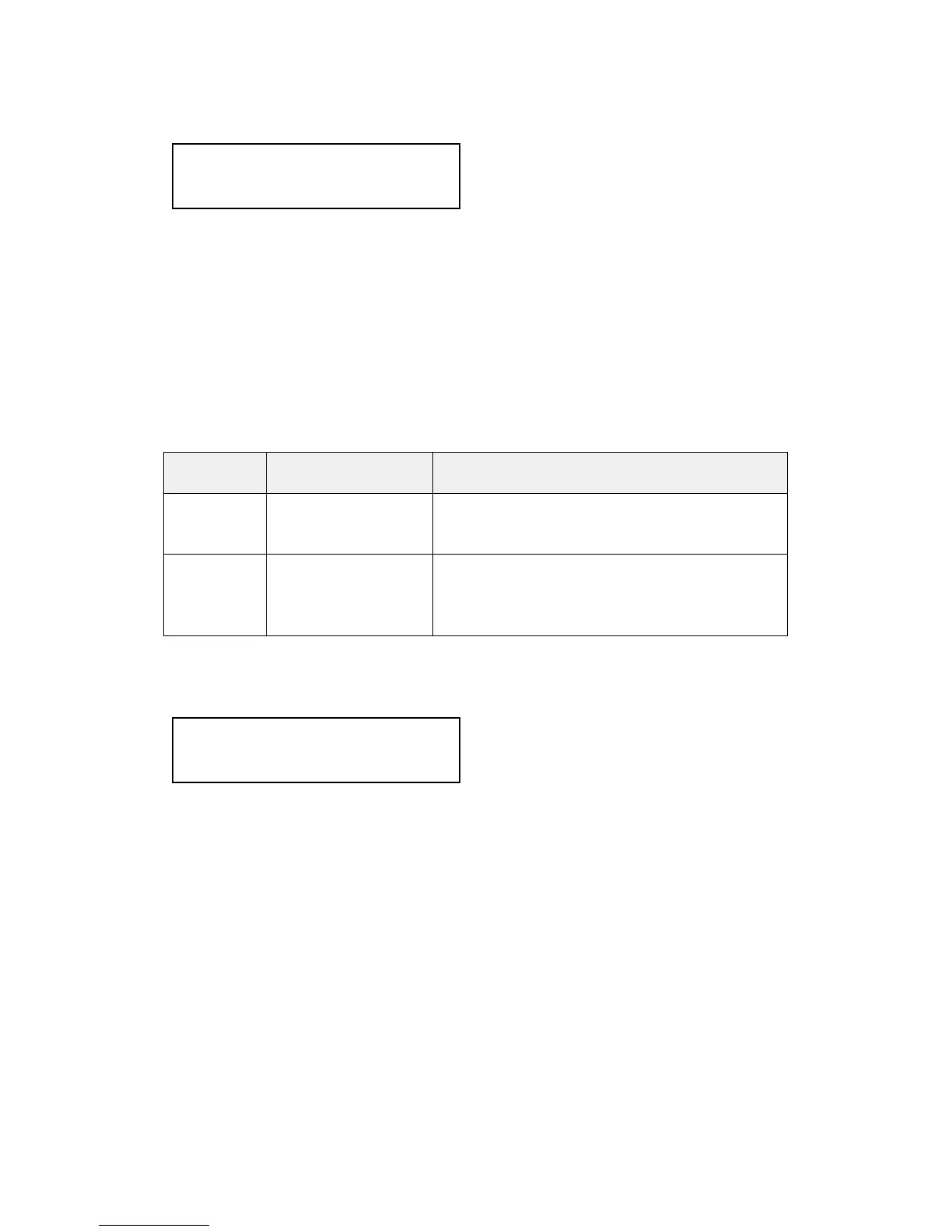
HDCP is supported on certain units only - and only on the DVI input
connector. This menu item lets you change whether HDCP is active on this
particular DVI input.
If turned ‘Off’, then a source that requires HDCP encryption will not send a
video signal to your unit.
If turned ‘On’, and a HDCP-compliant display or device is attached to your
unit’s DVI output, then HDCP encrypted sources can be used.
The following table summarizes the message given in brackets:
Status
message
Description Effect
Inactive HDCP is not active
at the DVI
connector.
HDCP-encrypted material cannot be
received by the unit.
Active HDCP is active at
the DVI connector.
HDCP-encrypted material can be received
by the unit, but only if a HDCP-compliant
display or device is attached to the unit’s
output.
See ‘Adjust outputs’ for a description of how the HDCP system works on your
scaler.
This feature is only present on certain units – it is used with the next menu
item to form a simple ‘EDID Manager’.
EDID is an information packet retrieved by a PC graphic card over a DVI link
from a monitor which tells the graphic card which resolutions the display
supports. In the case of your unit, it tells the graphic card what resolutions are
compatible with it – by emulating a display.
The above menu lets the user select which of 8 EDID data blocks are ‘shown’
to a PC or other DVI/HDMI source. (It does not affect any other input.) Note
that some graphic cards will usually only read the EDID data when the cable
is first connected, or on power-up.
The 8 EDID blocks are as follows:
Source: DVI1
Display emul. EDID [DVI]
Source: DVI1
HDCP [Inactive] [Off]


 To Next Page