41
9.2 Advanced menus
Note that the ‘Advanced menus’ menu item must be ‘On’ to activate certain
menu items.
9.3 Group Names and Descriptions
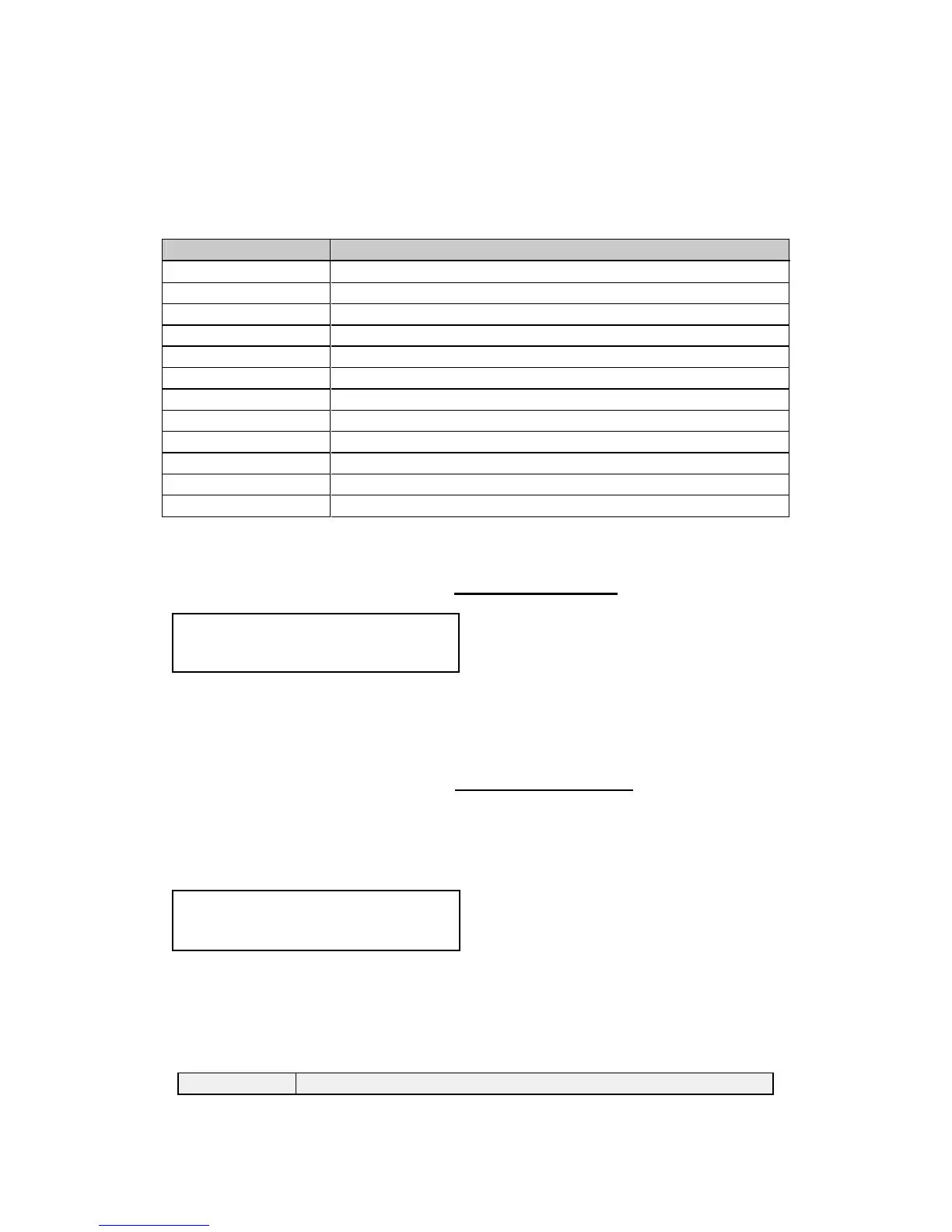
Menu Group Name Group Description
Device mode Allows selection of switcher, independent and pip mode
Adjust outputs Controls output parameters
Adjust windows Controls characteristics of the pip windows
Adjust keyers Controls the luminance keyer and chroma keyer
Adjust sources Controls signal input parameters
Adjust logos Controls characteristics of logo files and outputs
Adjust borders Controls the window border functions
Adjust transitions Controls input transitions
Adjust buttons Controls button assignments and preview/program action
Adjust ethernet Controls IP addresses and network parameters
Adjust resolutions* Controls unit’s input / output resolution table
System Controls global system parameters
*This menu item is hidden until enabled by setting ‘Advanced menus On’ in
the System menu.
9.4 Items Associated with the Device mode group
Accessing this group allows you to select one of three high-level operating
modes: Switcher, Independent or Picture-In-Picture. For a discussion of each
of these modes, see section 3.9 Modes
9.5 Items Associated with the Adjust outputs group
This menu group allows adjustments to be made that specifically affect the
output of the unit, including output resolution and locking/overlaying onto a
computer or video source.
This menu item allows the lock mode to be selected and the lock source to be
defined. The top line of the display shows the current detected resolution of
the selected lock source (RGB1 in this example). The lock mode can be either
Off, Genlock or Lock & Mix, with the operation of these shown in the following
table:
Lock mode Description
800 x 600 60Hz
Device mode


 To Next Page