30
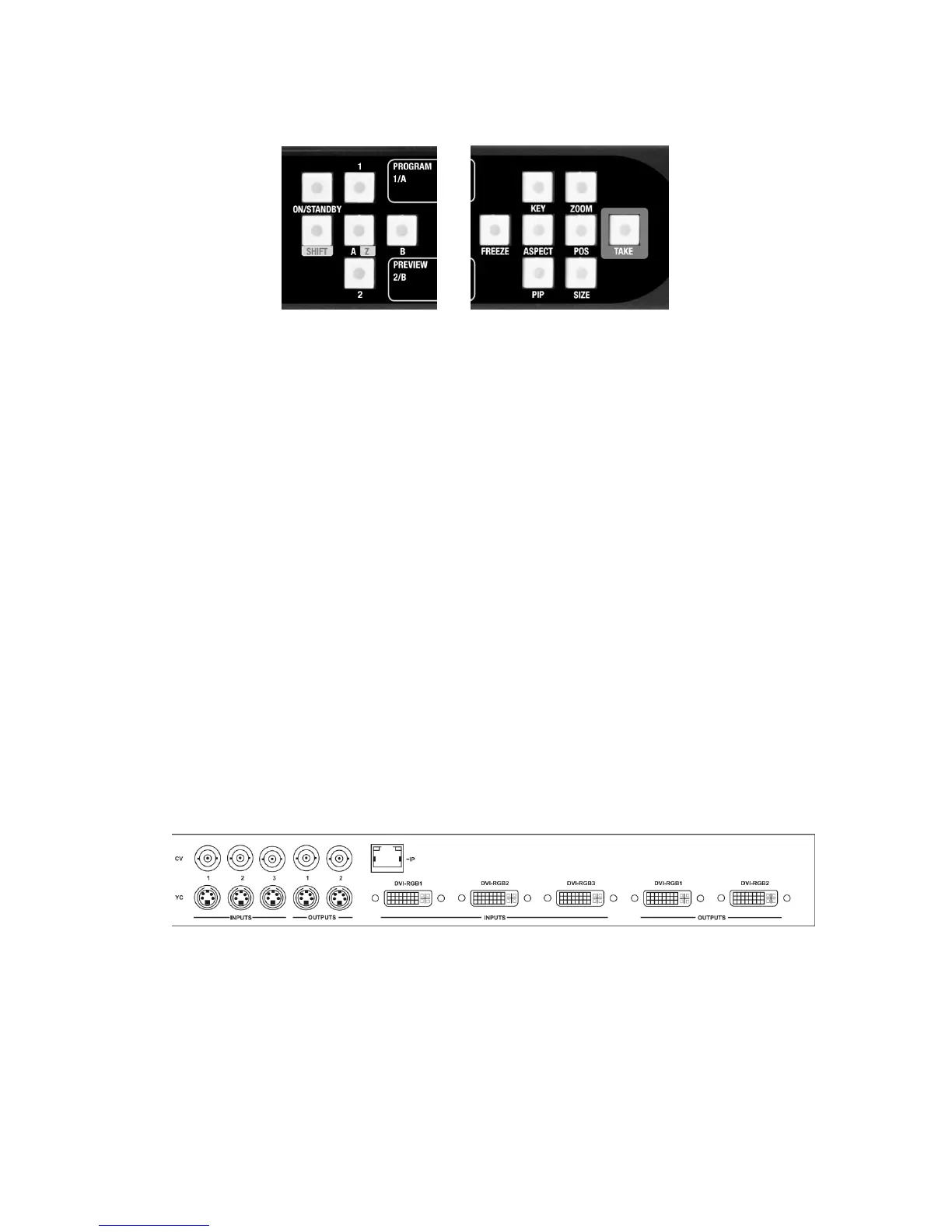
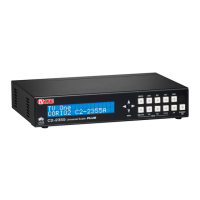
These buttons are the same on all 48-key front panels:
In order to facilitate ease of use, the first two characters of every menu
indicate the current Output and Window that is being adjusted; i.e. 1A =
Output 1, Window A. In order to quickly change between the Window and
Output under adjustment, buttons 1 & 2 instantly select the required output,
with buttons A and B selecting the required scaled window. SHIFT-A selects
Z, the Lock source. Not all selections are valid – this depends on the
operational mode.
6.3 Inputs and Outputs
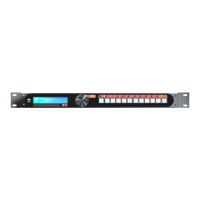
The C2-7000 series has three DVI-I inputs (which can be used for DVI-D,
RGBHV, RGsB, RGBS, YUV or YPbPr sources) three Composite video inputs
and three YC (S-Video) inputs.
Provision has been made for two Output channels. Each output channel
comprises of a DVI-I output (which can be used to output DVI-D and
simultaneous RGBHV, RGsB, RGBS, YUV, or YPbPr) a Composite output
and a YC (S-Video) output.
In addition, the C2-7200/7210/7300/7310 has two SD-SDI or HD-SDI inputs,
with the C2-7260 having 8 SD-SDI or HD-SDI inputs (any 2 of which can be
used simultaneously) – with each Output also being mirrored on SD-SDI and
HD-SDI output connectors (for when the selected output resolution is a valid
standard- or high-definition TV signal).
Connecting an Analog Signal (RGB/YCbCr) to any of the DVI-I connectors is
accomplished via DVI to HD-15 Adapters, five of which are furnished in the
accessory pack that comes with the C2-7000 series.
The two DVI-I output connectors also support DVI-I and Analog RGB /
Component simultaneously.


 To Next Page