26
6.0 CONTROLS AND CONNECTIONS
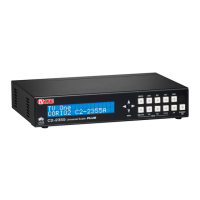
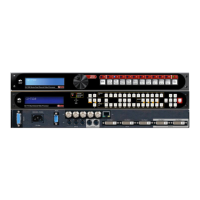
The C2-7000 series comes with one of two types of front panel:
CORIO® STD – 10 button programmable.
CORIO® EXP – 48 button non-programmable.
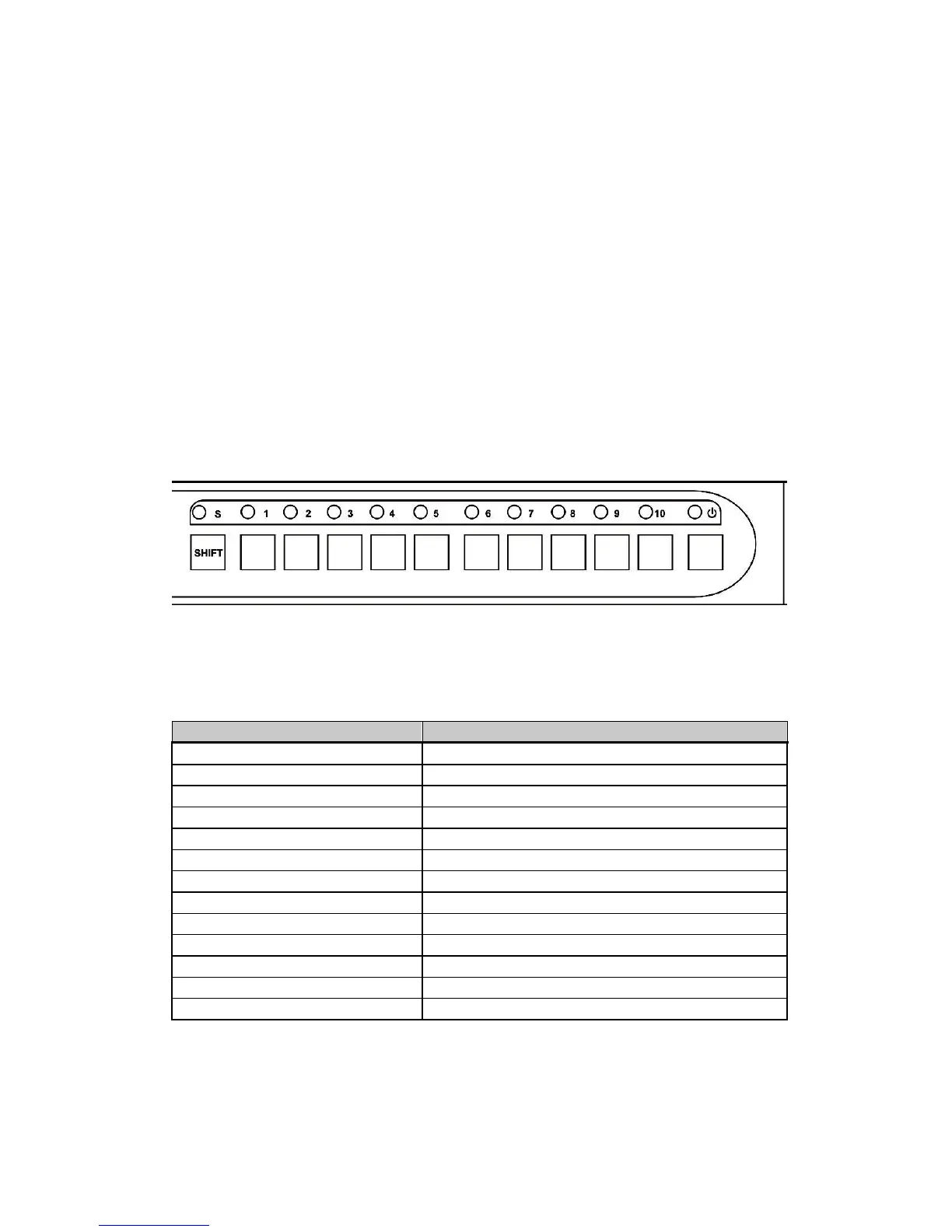
6.1 10-button programmable panel
Front panel buttons 1 through 10, plus the Shift button, govern what inputs are
applied to the C2-7000 series’ two Video Processors. They also store user
created, signal manipulation Macros and access some frequently used control
functions.
The user can assign any of the input sources and some frequently used
control functions to any of the input buttons (with the exception of the Shift
button and Power Button).
When the unit is powered up for the first time, (or whenever a Factory Reset is
performed), the button assignments and input signal types are set to an
initialized state. A listing of the initial condition is shown for reference in the
following table:
Button Number Button Function
1 Toggles Windows A, B & Z
2 ‘Take’ button in Switcher Mode
3, 4, 5, 6, 7, 8, 9, 10 Selects an input – see below
Shift + 1 Toggles between Channel 1 & 2
Shift + 2 Highlights Active Window
Shift + 3 Freeze
Shift + 4 Key on/off
Shift + 5 Macro1
Shift + 6 Zoom -
Shift + 7 Zoom +
Shift + 8 Shrink -
Shift + 9 Shrink +
Shift + 10 Restore


 To Next Page