25
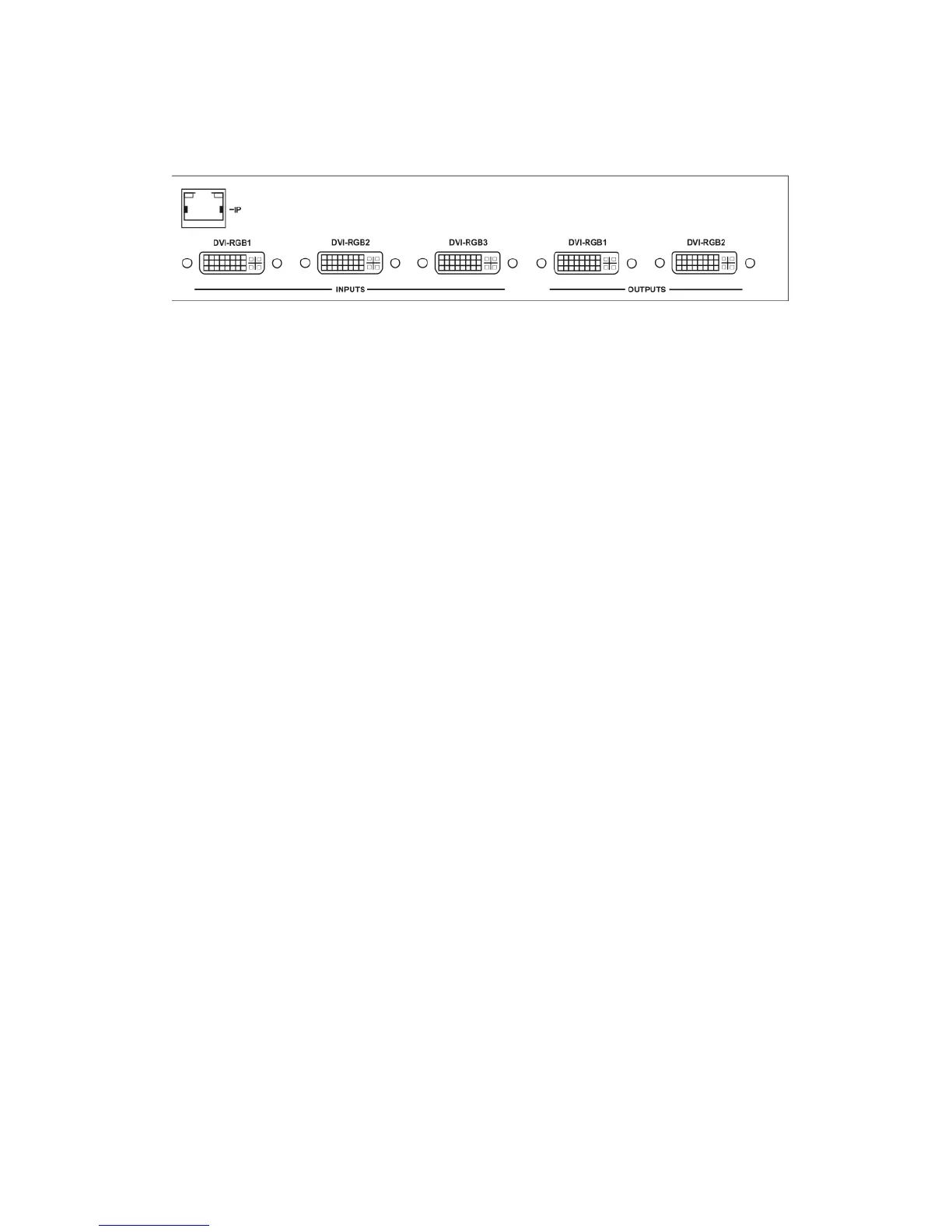
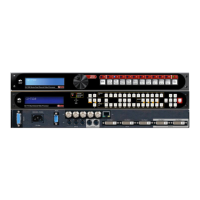
connector formerly used by the monitor cable) to the input labeled “DVI-
I/RGB1” on the rear panel of the Processor.
Next, take the cable from the PC monitor and connect it to the C2-7000
series’ DVI-I/RGB1 output. Then connect the AC Power Cable to a working
AC outlet, turn on the PC, monitor and then the C2-7000 series.
Provided you have not changed anything from the Factory Defaults and the
monitor will display output 1024x768@60Hz and the CORIO® Testcard, by
pressing button 3 the monitor will the show the PC’s. If this is the result, the
C2-7000 series is passing and processing signals.


 To Next Page