29
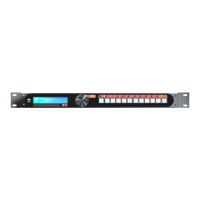
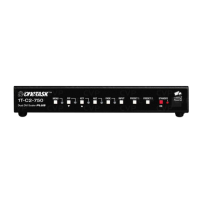
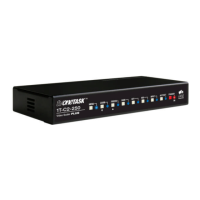
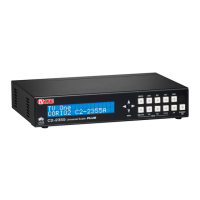
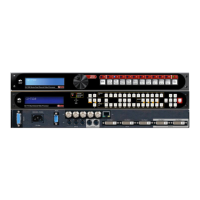
With these front panels, you can directly select the inputs to route to the two
outputs of the C2-7000 series unit. Depending on the Mode you’re in
(Switcher, Independent and Dual PIP), the input selection button will have
different effects:
Mode PROGRAM 1/A button PREVIEW 2/B button
Switcher Selects that input on Output 2.
Performs a seamless switch
on Output 1.
Selects that input on Output 2
– has no effect on Output 1
Independent Selects that input on Output 1 Selects that input on Output 2
Dual PIP Selects that input in Window A
– on above Output 1 & 2,
depending on PIP sizes.
Selects that input in Window B
– on above Output 1 & 2,
depending on PIP sizes.
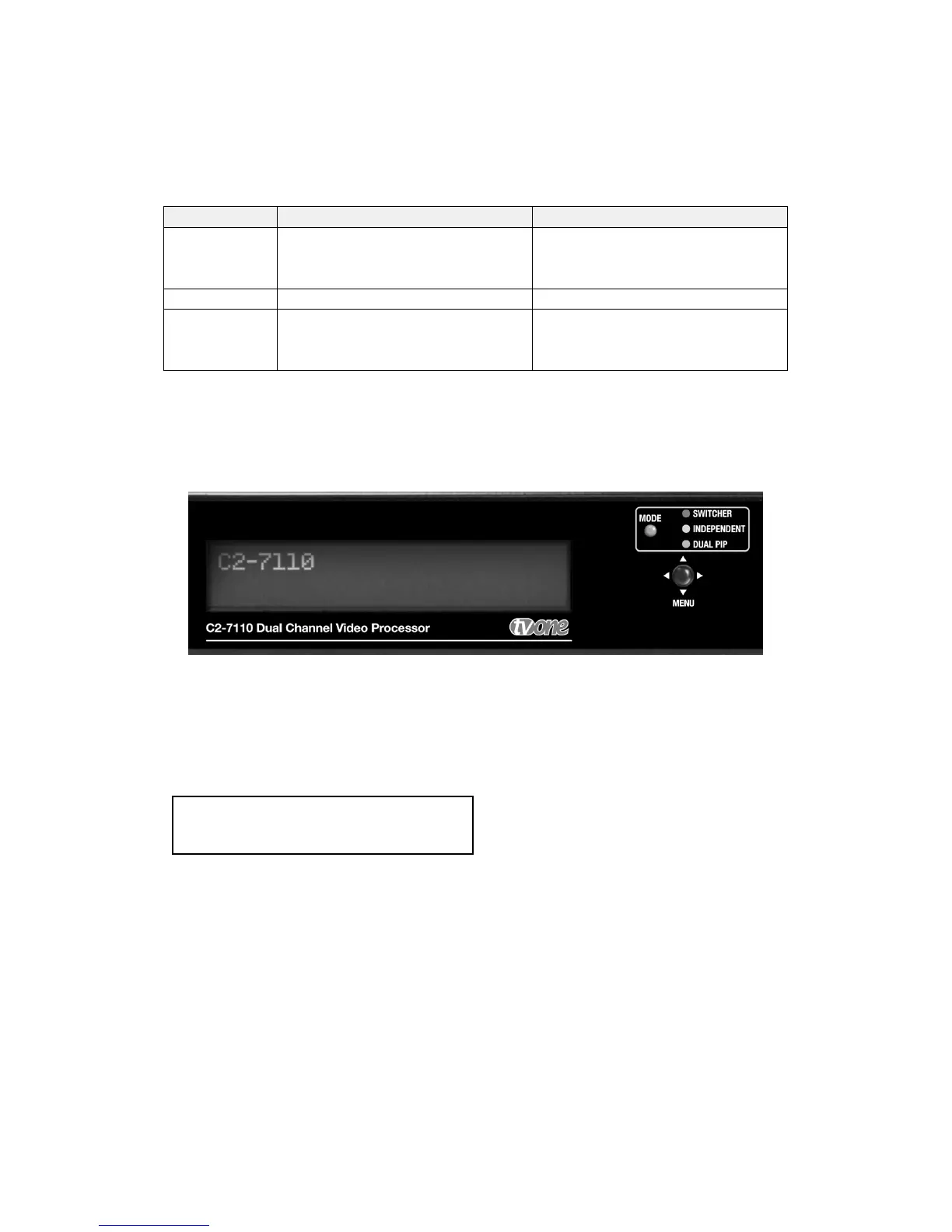
The unit is controlled from the front panel by using the multi-directional switch
and the LCD screen. The switch has two functions, click left and right to
navigate through the menu structure and push to enter a sub menu or change
a parameter:
Parameters that can be altered are indicated on the LCD screen by “[ ]”
brackets, simply press the switch and these brackets will flash indicating the
parameter can be adjusted, then click the switch left and right (and in some
cases up and down) to adjust. When the required setting is shown press the
switch again to end the adjustment.
The settings for the unit can be saved at anytime by pressing and holding the
multi-directional switch until the screen shows the screen:
Info :
Settings stored


 To Next Page