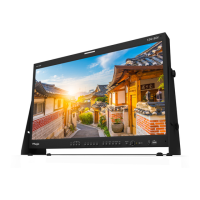
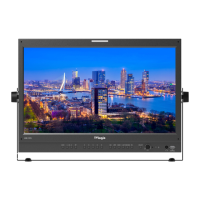
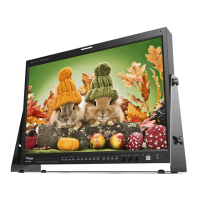
FHD High Bright Field Monitor 34
7. Other Functions
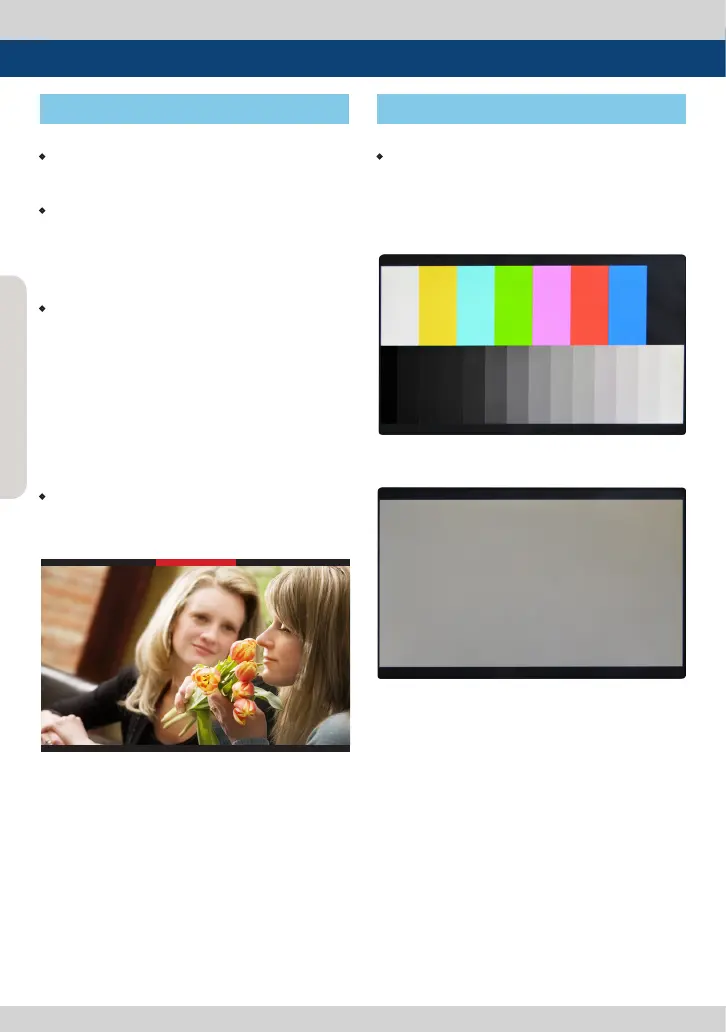
[11] Screen Tally/Rear Tally
[12] Internal Pattern
<Screen TALLY On>
<Color Bar + Pluge Pattern>
<Gray Pattern>
• Activates with the Rear Tally on the rear of
the monitor at the same time.
• Screen TALLY On/O
- Used to set Tally operation according to
the input level of TALLY IN terminal which is
among the terminals of XLR 4P connector in
the rear.
• Screen TALLY Operating Level
- Used to set the input level of Tally operation.
(Open&Low : less than 0.6V, High : more than
2.5V)
- High: Set the level as “High” to activate the
Tally and set the level as “Low” to inactivate
the Tally.
- Low: Set the level as “Low” to activate the
Tally and set the level as “High” to inactivate
the Tally.
• Screen TALLY Color
- Used to set Tally color.
- Available colors are Red, Green and Yellow.
• Displays internally generated test patterns.
- The pattern consists of ColorBar and Pluge+
Grayscale Patterns. Full screen colors of
various gray levels(0~100%) are also
embedded.


 To Next Page