8000060 Rev 3 19-Feb-19 TyconSystems.com
Upload Setting
Your console can send your sensor data to select internet-based weather
services: Wunderground.com, Weathercloud.net and,
WeatherObservationsWebsite. Users need to register at their preferred
website to get a station ID and password. These steps are optional, you
don’t have to register to each site to get the ProWeatherStation to work. If
you choose not to upload data right now, press the Back button.
5)
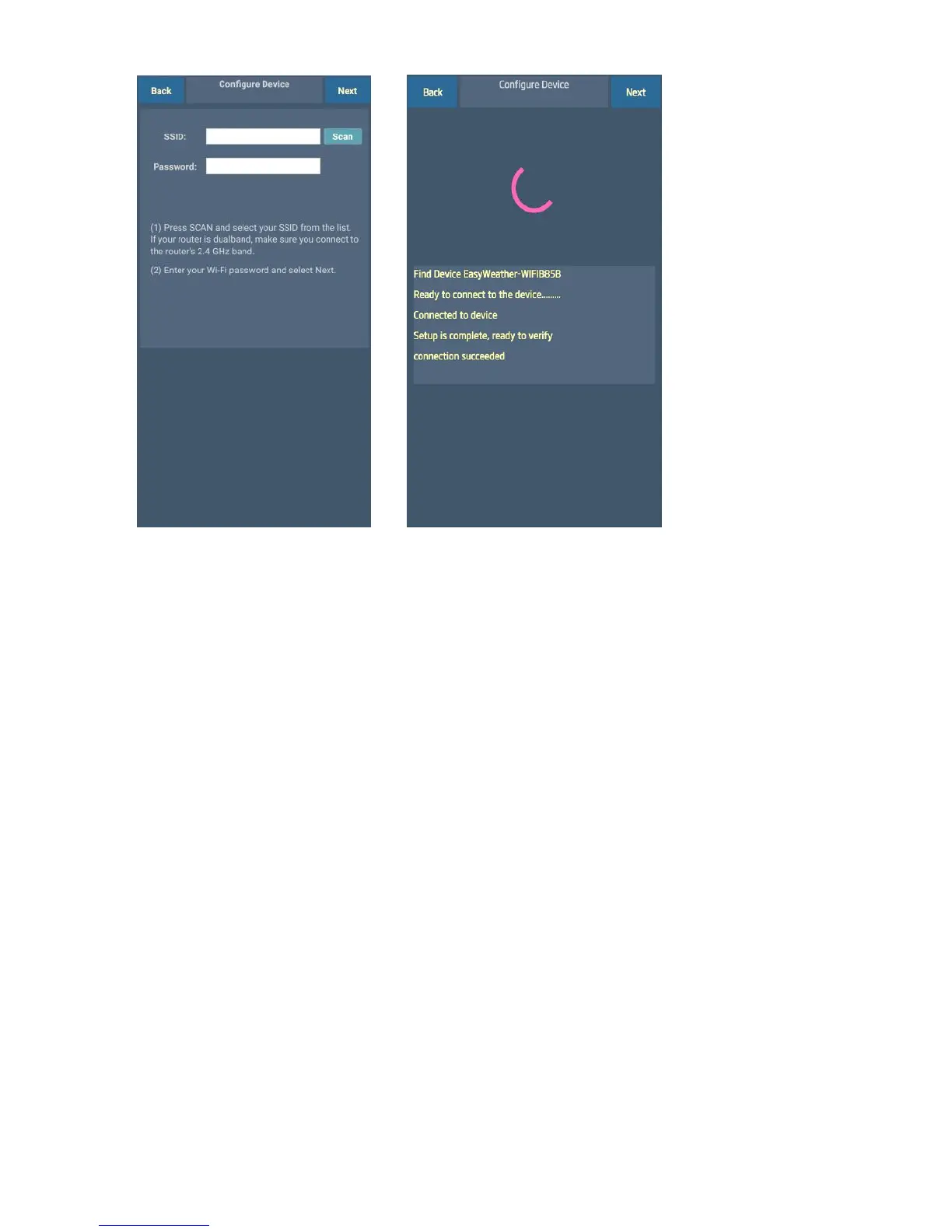
The app will then connect
your ProWeatherStation to
your Wi-Fi. If configured
successfully it will jump to
“Upload Setting” screen
automatically. If the
configuration fails, make sure
the Wi-Fi icon and Mode-B is
flashing and you are putting
in the correct SSID and
password.
4)
Press Scan and select the
Wi-Fi network you would like
the console to connect to, you
may also type in the SSID
and password, and press
Next
Note: SSID and passwords
are case sensitive. Make sure
you connect to a 2.4GHz
band.



 To Next Page