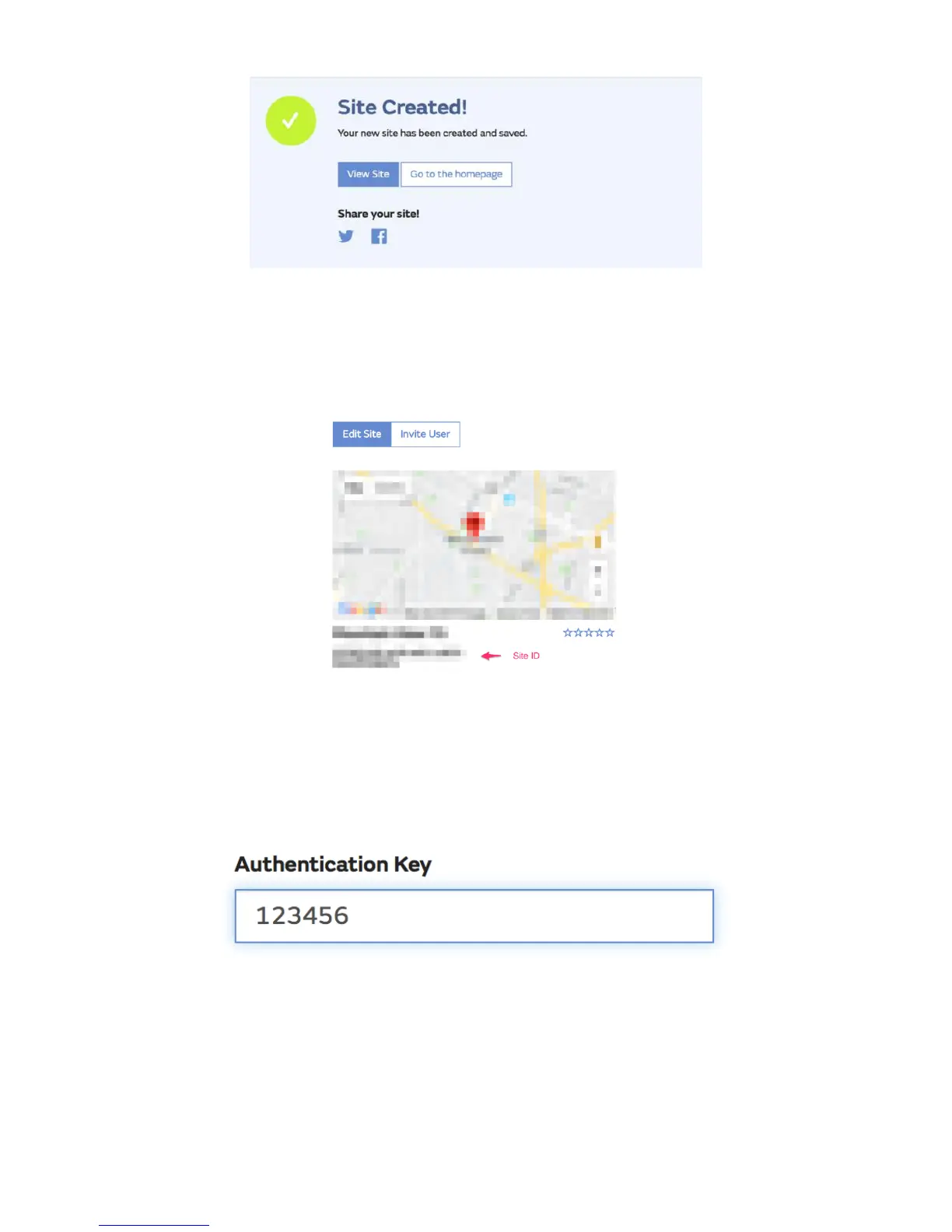
Make sure you are (still) logged in to the WOW site. Log in as necessary.
Now click on “My Sites” in the navigation bar at the top. If you have only 1
site, you will now be shown its page. If you have multiple, you will have to
choose the correct one first. On this page, you will find the site id just
below the map:
You will also need to establish a unique 6 digits PIN code that you should
keep secret. It is the “Authentication Key.” Set up this number by clicking
on “Edit Site”) (Error! Reference source not found.) and filling out the
with a 6-digit number of your choice:
You will need both “Site ID” and “Authentication Key” to set up the upload
configuration for WOW in the Weather Server.
In your mobile application, navigate to the “Device List” page and tap on
the device you want to configure WOW for. You will then be shown the
“wunderground.com” configuration. Please ignore and tap “Next” to see



 To Next Page