Operator’s Manual | Moving Floor Trailer 25
Option: Automatic
Lift Axle
Switch and Connection
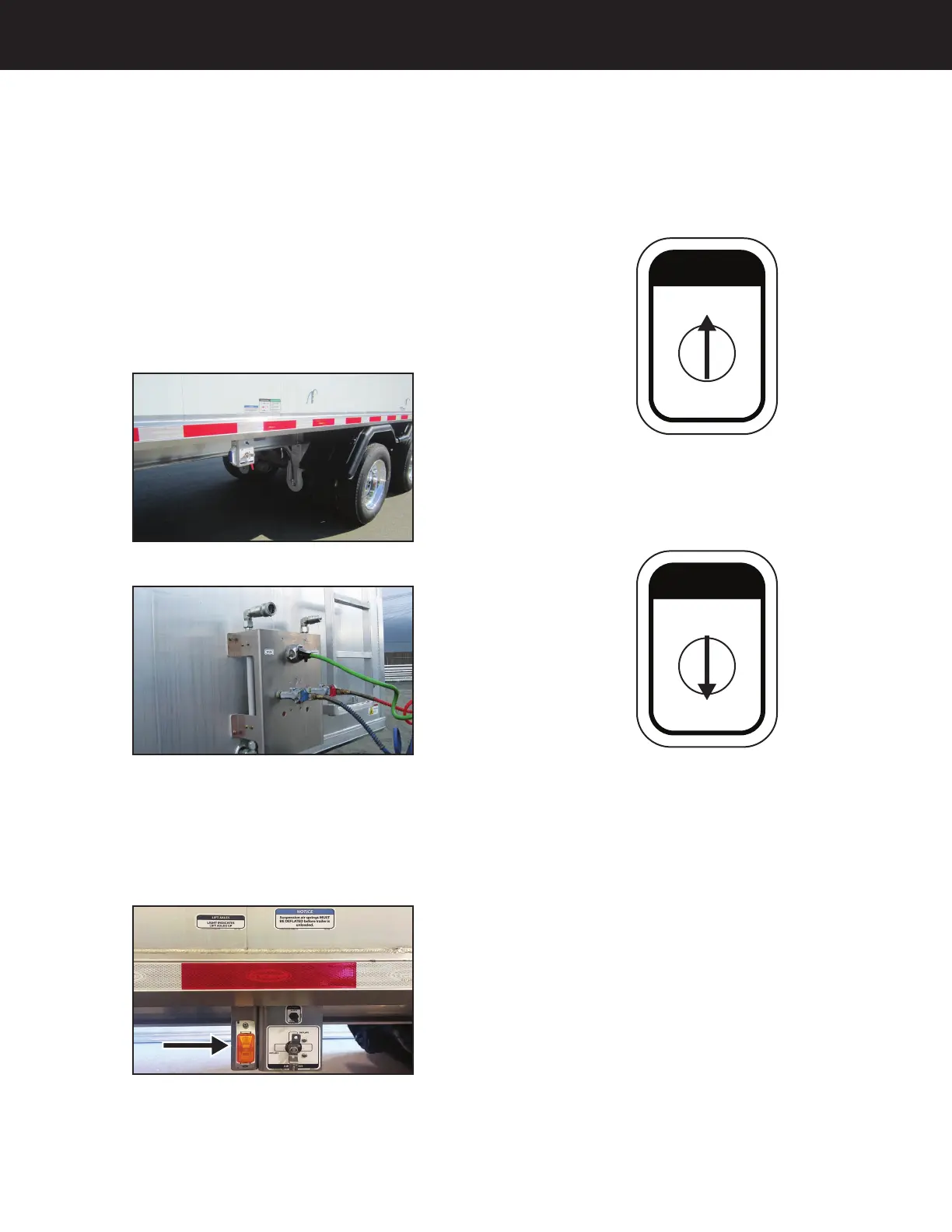
The operation switch for the lift axle (Figure 01 - 6) is located in
front of the first axle. The electrical wire (7 pin) and glad hands
(blue and red) must be connected from the truck to the trailer
(Figure 02 - 6), in order for the lift axle to function.
Figure 01 - 6
Figure 02 - 6
Position Indicator Light
When the lift axle is in the raised position, the yellow indicator
light will be illuminated (Figure 03 - 6). The yellow indicator light
is located on the driver side in front of the first axle.
Figure 03 - 6
Operation switch
Automatic
When the switch is toggled to “automatic”, the axle will
automatically raise and lower, depending on the weight of
the load in the trailer (Figure 04 - 6).
TYCROP MFG. LTD.
1100-4436
AUTO
DOWN
LIFT AXLES
Figure 04 - 6
Down
When the switch is toggled to “down”, the axle will lower
and stay lowered (Figure 05 - 6).
TYCROP MFG. LTD.
1100-4436
AUTO
DOWN
LIFT AXLES
Figure 05 - 6
Option: Automatic Lift Axle - 6


 To Next Page