5
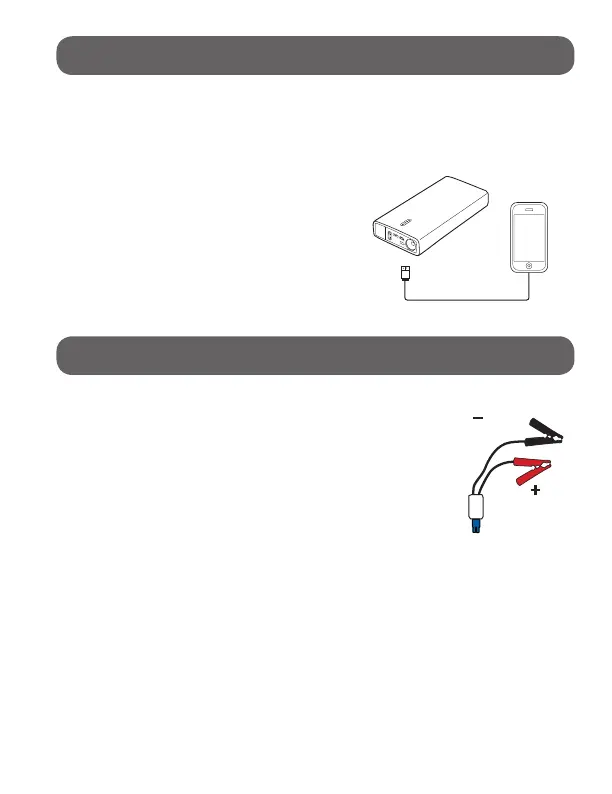
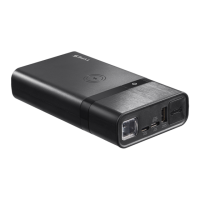
Use the original manufacturer’s USB cable that came with
your device and plug into one of the USB output ports. You
can charge two devices at the same time. One of the ports is a
Type-C socket, which has a maximum output of 2A at 9V and
2.6A at 5V. The other has a maximum
output of 2.4A. Press the power button
once to begin charging your device.
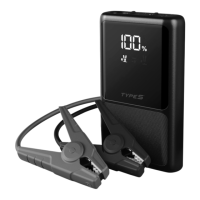
The power level indicator will show the
battery level and will turn off after 30
seconds.
To check the power capacity again,
simply press the power button once.
CHARGING YOUR USB DEVICES:
To jump start the vehicle battery, put the vehicle
in park (neutral if the vehicle has a manual
transmission) and engage the emergency brake.
Locate the battery for the vehicle and follow the
steps listed below.
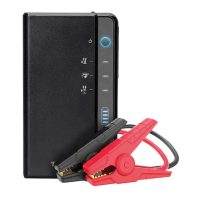
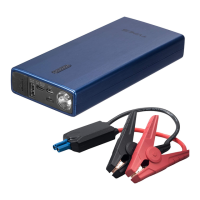
Jumper cables are color coded, RED for
POSITIVE (+) and BLACK for NEGATIVE (-).
DO NOT mix up the cables or allow the metal
ends to touch together because this may damage the battery,
charging system and/or electronics on a vehicle.
JUMP STARTING:
Black
Red


 To Next Page