TYPHOON BLUETOOTH™ 56K WIRELESS MODEM KIT
Article Number: #20006
Version 2.0 All specifications and information are subject to changes without further notices
2
2. Features
V. 9 0 M o d e m
• ITU-T V9.0 and K56flex
• V.34 (33.6 kbps), V.32 bis, V.32, V.22 bis, V.22, V.23, and
V. 21; Bell 212A and 103
• Flow control and speed buffering
• Automatic format/speed sensing
• V.22bis fast connect
• One RS232 connecter for Host PC (DTE) interface
Bluetooth™ Function
• Wireless interface complies with Bluetooth™ Core
Specification V1.1
• Main chip: CSR BlueCore 2
• Protocol: Bluetooth™ 2.4 GHz ISM band frequency
hopping
• Output Power:·Class 1 Bluetooth™ radio
• Data Rate: 723 kbps
System Requirements
• Intel® Pentium® II or above
• 64MB of System RAM or more
• Windows® 98 SE / ME / 2000 / XP or later
• CD-ROM drive for installation
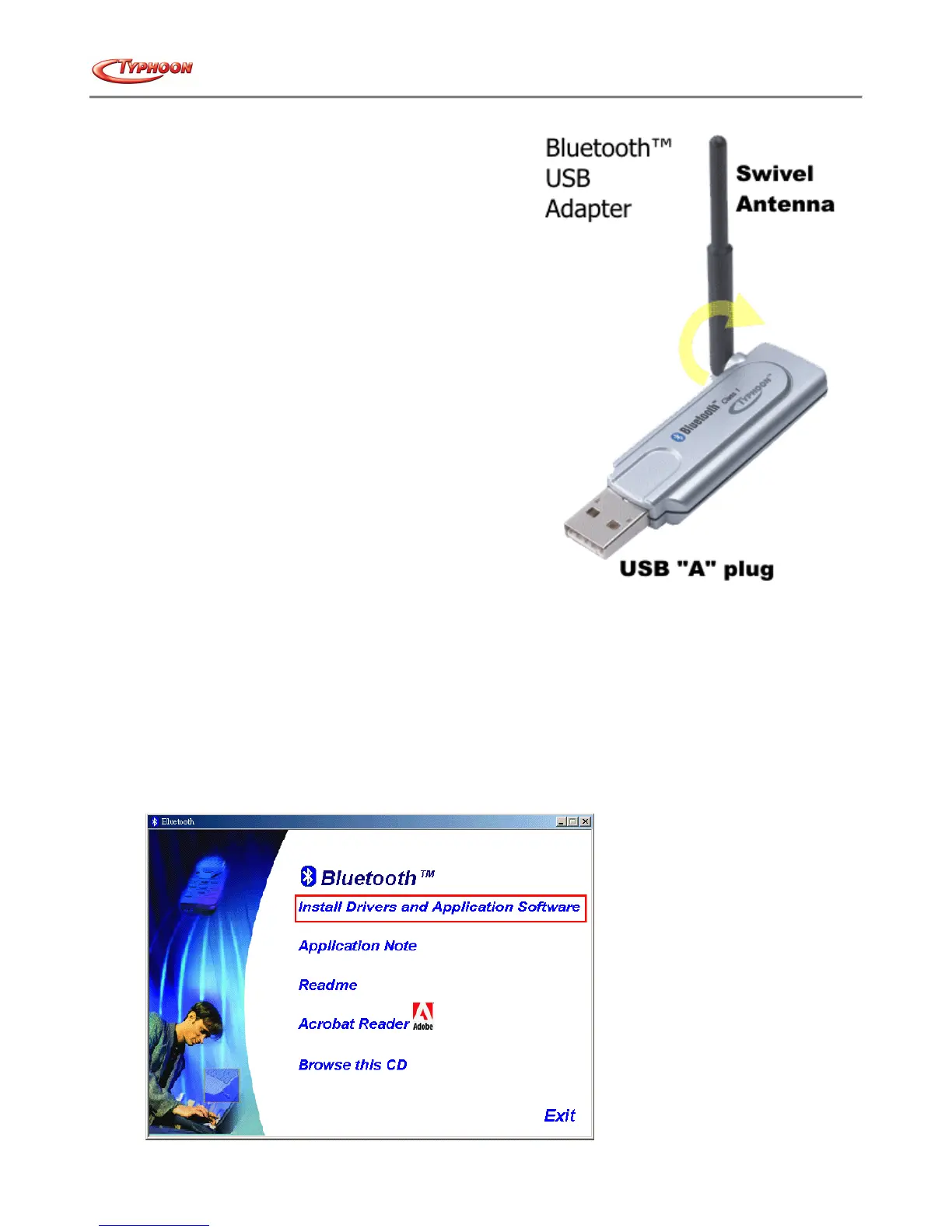
• USB Bluetooth™ adapter
3. Windows® 98SE / ME / 2000 / XP installation
i. Bluetooth™ software installation and basic operations
For CF Bluetooth™ card, please install the driver before installing the Bluetooth™ software, the driver
is located in the BTCF folder of the Driver CD.
For USB Bluetooth™ adapter, please install the Bluetooth™ software before inserting the USB
adapter.
Installing Bluetooth™ software for Windows® 98SE / ME / 2000 / XP
1. Place the installation CD into CD-ROM drive and setup will auto-run the installation. Exit all other applications in
the background.
2. If the CD-ROM auto-run is not enabled, use Windows Explorer to manually navigate to the appropriate CD-ROM
drive and run "bsetup.exe". InstallShield Wizard setup dialog box will automatically be displayed.



 To Next Page