TYPHOON BLUETOOTH™ 56K WIRELESS MODEM KIT
Article Number: #20006
Version 2.0 All specifications and information are subject to changes without further notices
4
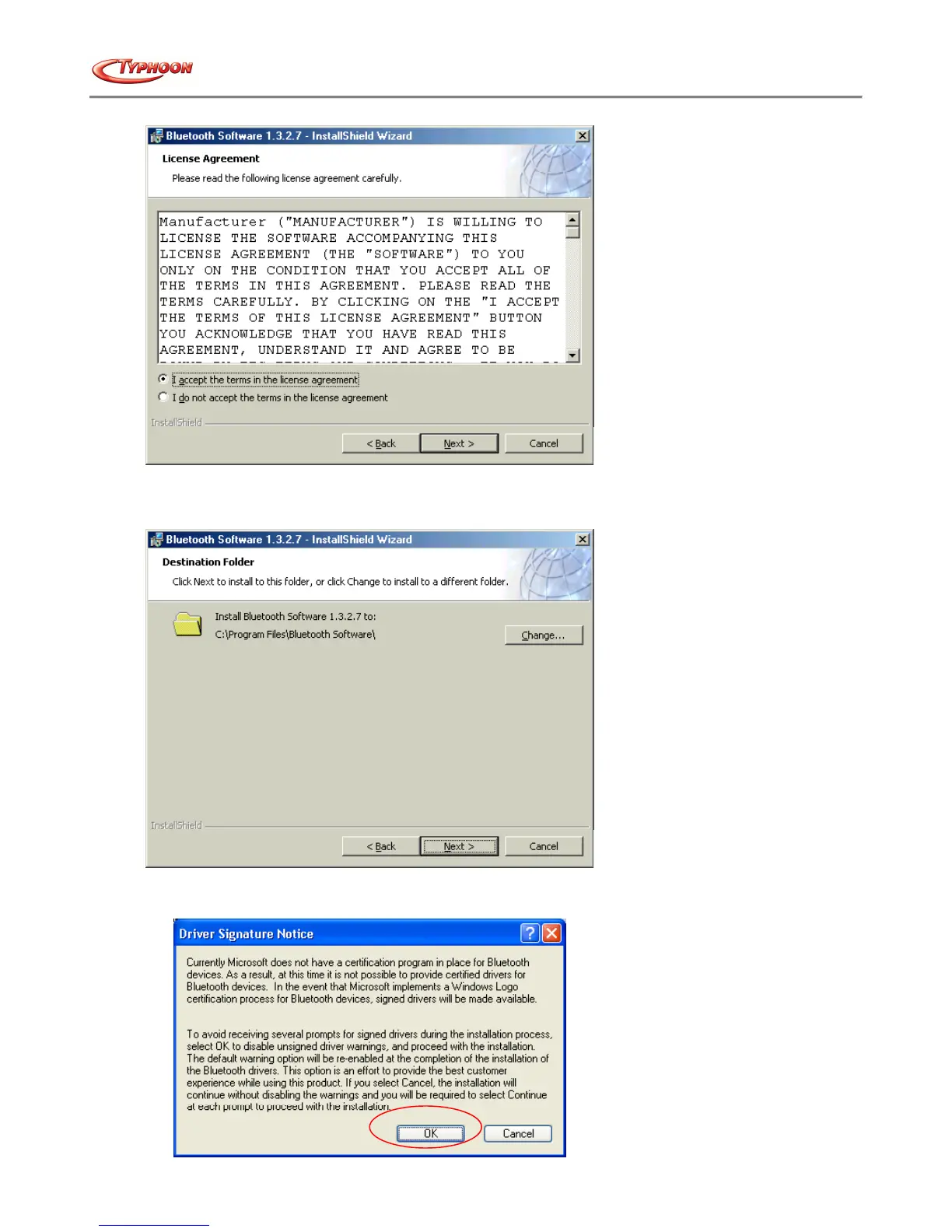
8. You can choose to change the destination folder in your system by clicking on the “Change” button, alternatively
to use the default, click on the “Next” button to start.
9. The system is ready to install the Bluetooth™ software. If you need to review or change any settings, click the
"Back" button. Click the "Cancel" button to exit the Wizard. Otherwise, click the "Install" button.



 To Next Page