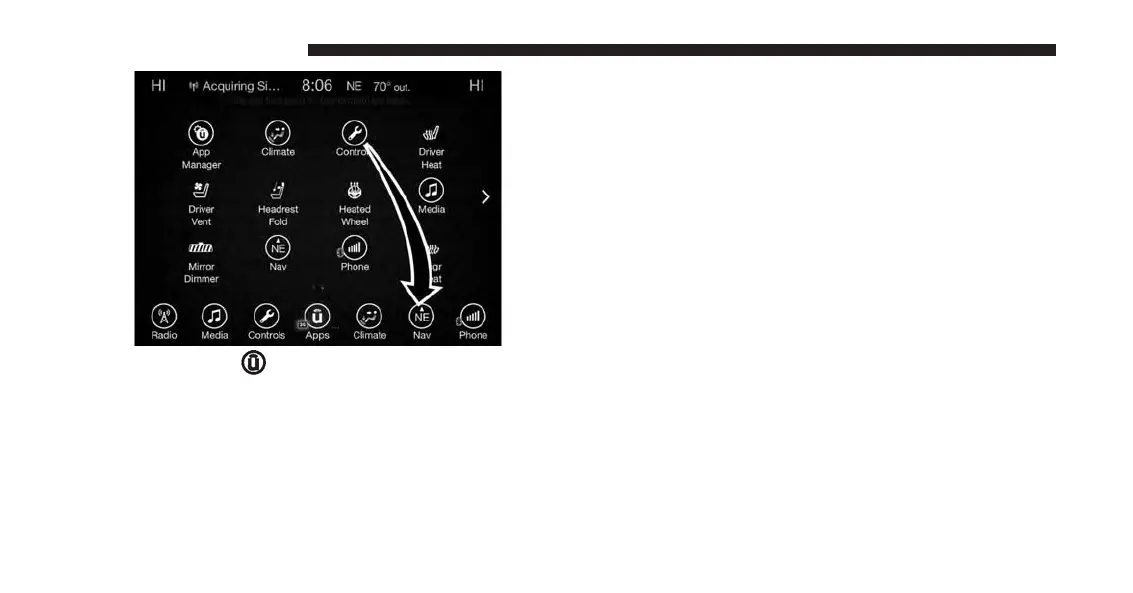
1. Press the “Apps
” button to open the App screen.
2. Press and hold, then drag the selected App to replace
an existing shortcut in the main menu bar.
The replaced shortcut will now be an active App/
shortcut on the main menu bar.
RADIO MODE
Radio Controls
The radio is equipped with the following modes:
• AM
• FM
• SiriusXM Satellite Radio (if equipped)
Press the RADIO button on the touchscreen, bottom left
corner, to enter the Radio Mode. The different tuner
modes; AM, FM, and SXM, can then be selected by
pressing the corresponding buttons in the Radio mode.
VOLUME/MUTE Control
Push the VOLUME/MUTE control knob to mute the
radio. Push the VOLUME/MUTE control knob a second
time to unmute the radio.
102 UCONNECT 8.4A/8.4AN



 To Next Page