You can also adjust the following below and more.
• Brightness
• Media port lighting on and off
• Clock on and off
NOTE: System information can also be displayed under
General Settings.
Remote Settings
Under this setting, you can access the following:
• Manage Remotes
• Remote sensitivity (This adjusts the speed and sensi-
tivity of cursor on screen when using gesture pad)
Play A DVD/Blu-ray Or USB Media File From
Uconnect Radio
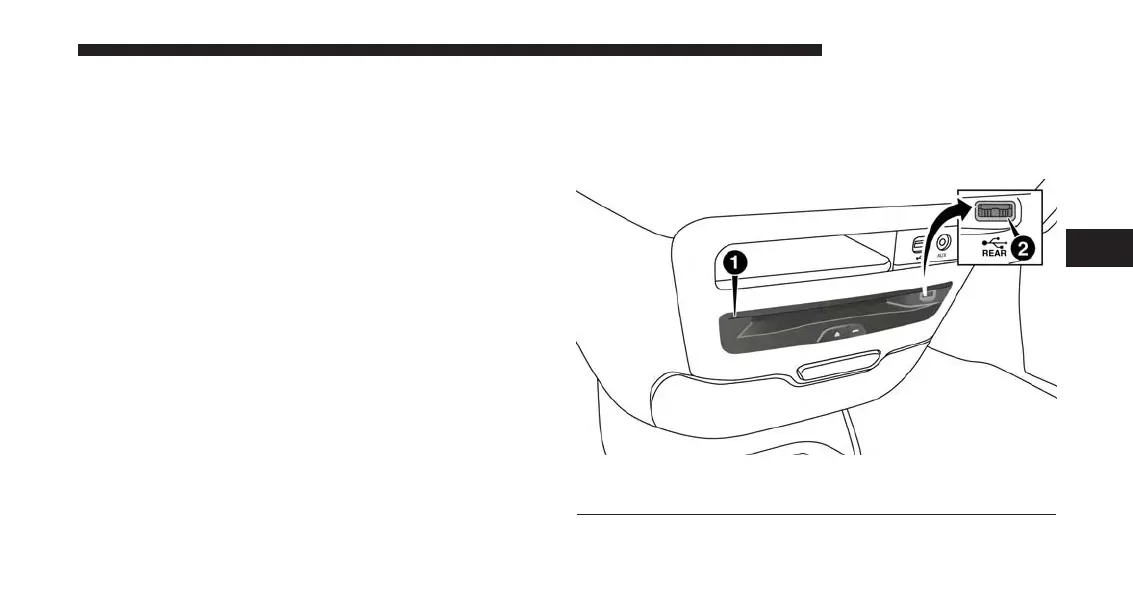
The DVD/Blu-ray Disc player is located under the radio
controls in the instrument panel.
1 — Disc Player (Rear)
2 — Rear Video USB Port
4
UCONNECT 8.4A/8.4AN 223



 To Next Page