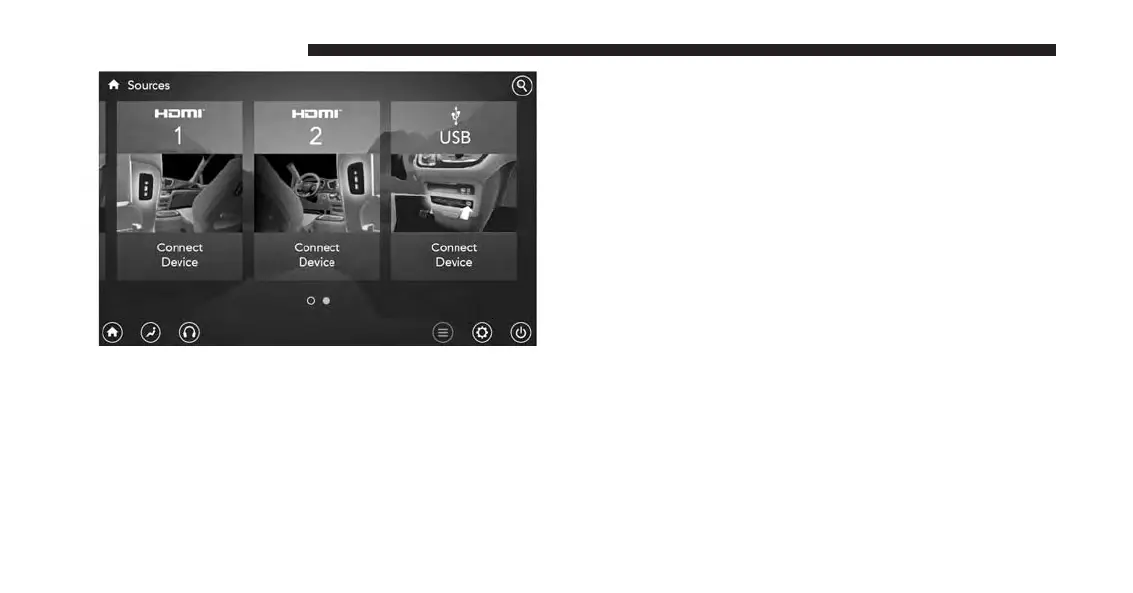
You can choose sources such as HDMI, USB, Apps, or
Blu-ray. You may also view content of the opposite screen
in one step by choosing the “View Screen” source card.
NOTE:
• Source card order can be changed by pressing the
Settings button on the touchscreen and scrolling down
to ⬙Source Card Order⬙.
• Use the “View Screen” function to pull content from
one screen to the other. Doing this however will
disable and gray out certain player controls.
General Settings
To change source card order, select “Source Card Reor-
der”, then press and hold source card on the touchscreen,
and drag and drop in desired order.
222 UCONNECT 8.4A/8.4AN



 To Next Page