• Moving average speed
• Maximum speed reached
• Total time traveled
• Travel time spent moving
• Travel time spent stopped
NOTE: You can press the “back arrow” button on the
touchscreen to return to the previous screen or the “X”
button on the touchscreen to exit.
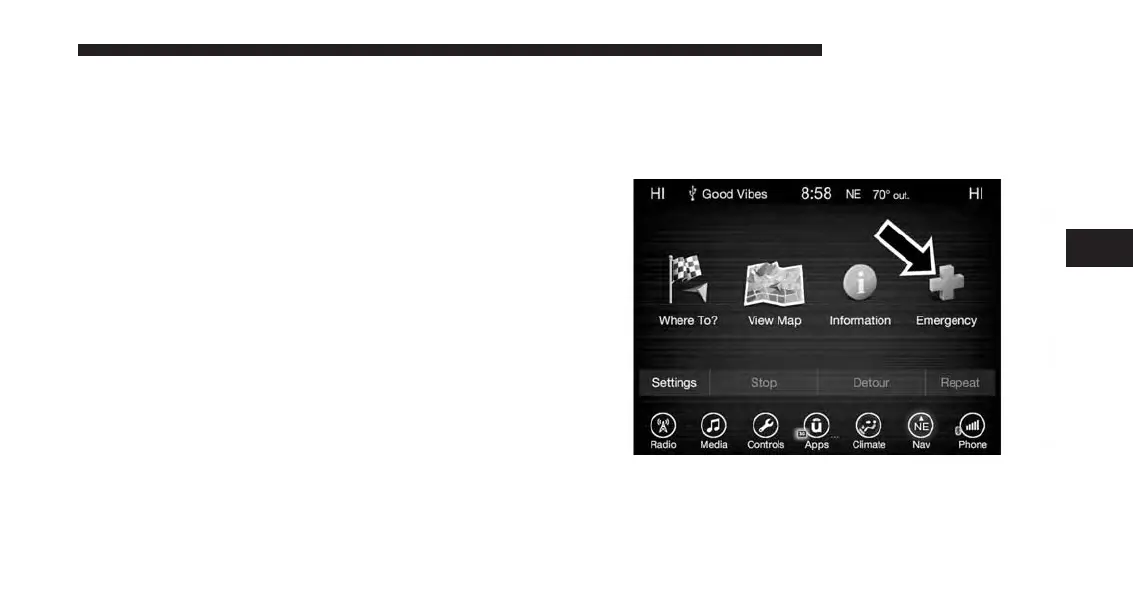
Emergency
Emergency — Main Menu
From the Nav Main Menu, press the “Emergency” button
on the touchscreen and press one of the following options
to search and route to a specific location.
• Hospital – Search and route to a Hospital close to your
current location
• Police – Search and route to a Police Station close to
your current location
• Fire Department – Search and route a Fire Department
close to your current location
Press the “Location” button on the touchscreen to display
your exact current location.
4
UCONNECT 8.4A/8.4AN 205



 To Next Page