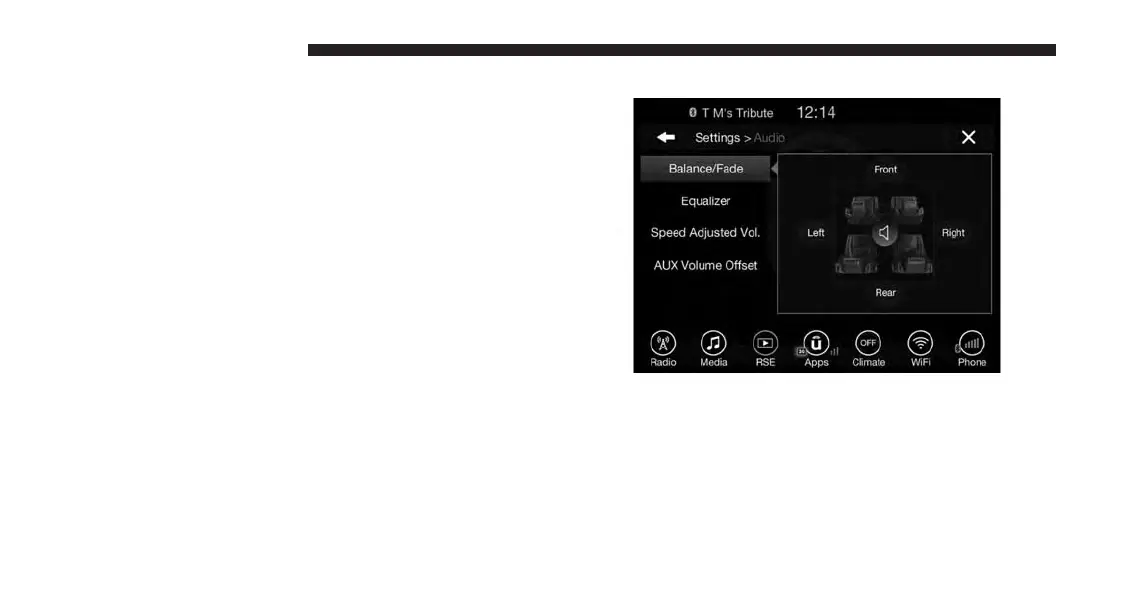
Audio
Press the “Audio” button on the touchscreen to activate
the Audio settings screen to adjust Balance/Fade, Equal-
izer, Speed Adjusted Volume, Aux volume Offset, and
Surround Sound.
You can return to the Radio screen by pressing the “X”
located at the top right.
Balance/Fade
Press the “Balance/Fade” button on the touchscreen to
Balance audio between the front speakers or fade the
audio between the rear and front speakers.
Pressing the “Front,” “Rear,” “Left,” or “Right” buttons
or press and drag the red Speaker Icon to adjust the
Balance/Fade.
114 UCONNECT 8.4A/8.4AN



 To Next Page