• Avoid
Press the Avoid button on the touchscreen to choose road
types to avoid during your route. To make a selection
press and release the desired setting until a check-mark
appears.
NOTE: You can press the “back arrow” button on the
touchscreen to return to the previous screen or the “X”
button on the touchscreen to exit.
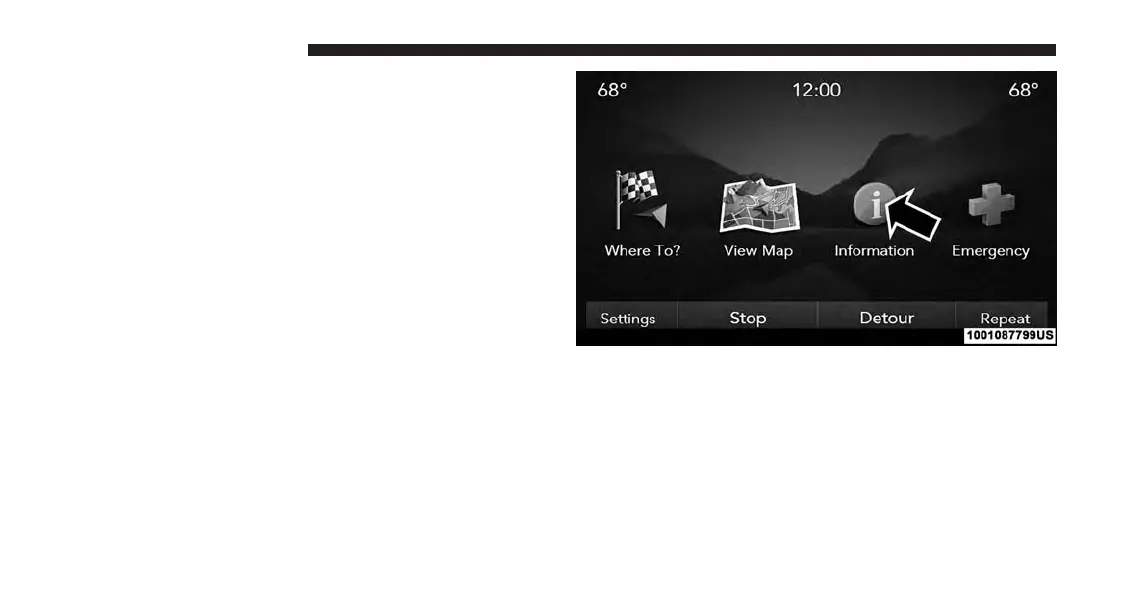
Information
From the Nav Main Menu, press the “Information”
button on the touchscreen and select one of the following
options to view additional information.
• Traffic
• Where Am I?
• Trip Computer
Information — SiriusXM Traffic (U.S. MARKET
8.4AN ONLY)
To select SiriusXM Traffic information, follow these steps:
1. While in the Nav Main Menu, press the “Information”
button on the touchscreen.
2. Press the “Traffic” button on the touchscreen.
202 UCONNECT 8.4A/8.4AN



 To Next Page