Press the “Save” button on the touchscreen to save your
current location in Favorites.
NOTE: You can press the “back arrow” button on the
touchscreen to return to the previous screen or the “X”
button on the touchscreen to exit.
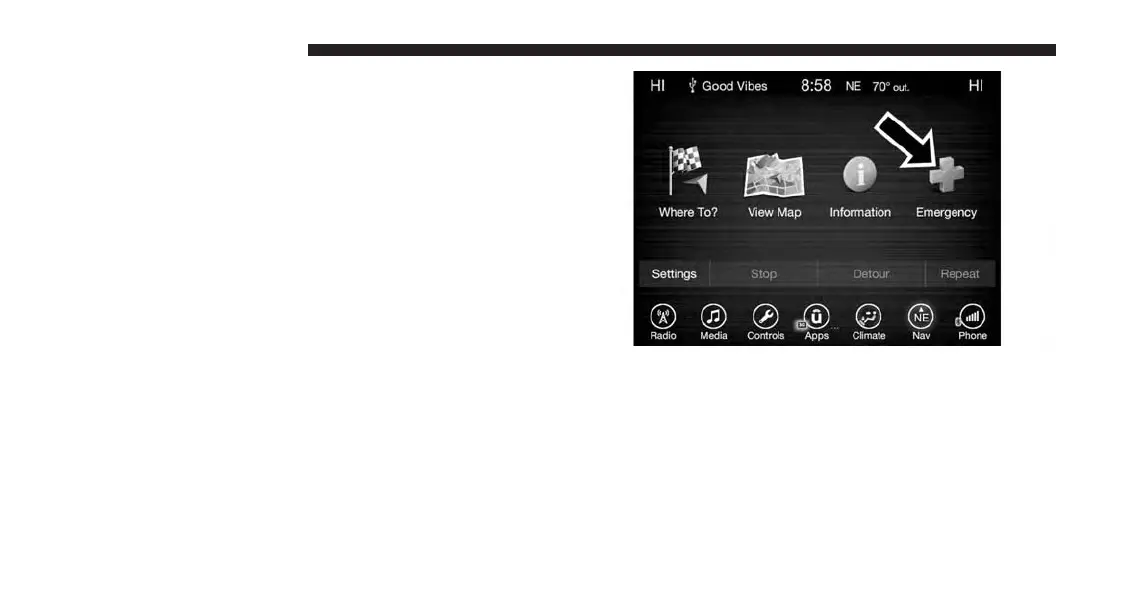
Emergency — Hospital
To search for a Hospital close to your current location,
follow these steps:
1. While in the Nav Main Menu, press the “Emergency”
button on the touchscreen.
2. Press the “Hospital” button on the touchscreen.
206 UCONNECT 8.4A/8.4AN



 To Next Page