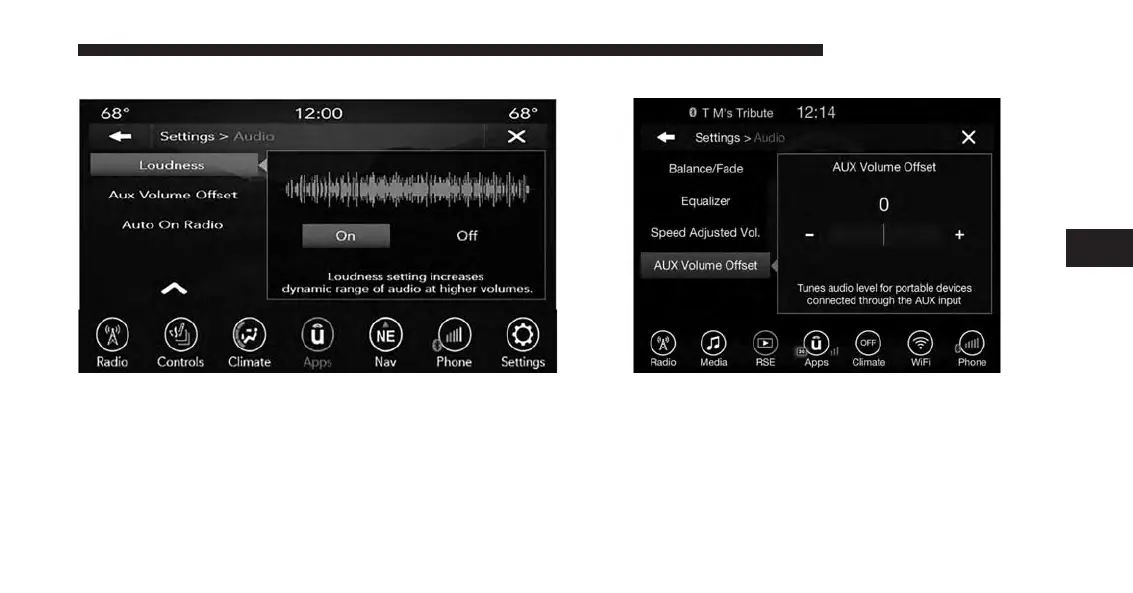
Loudness
Press the “On” button on the touchscreen to activate
Loudness. Press “Off” to deactivate this feature.
When Loudness is On, the sound quality at lower vol-
umes improves.
AUX Volume Offset
Press the “AUX Volume Offset” button on the touch-
screen to activate the AUX Volume Offset screen.
The AUX Volume Offset is adjusted by pressing of the
“+” and “–” buttons. This alters the AUX input audio
volume. The level value, which spans between ±3, is
displayed above the adjustment bar.
4
UCONNECT 8.4A/8.4AN 117



 To Next Page