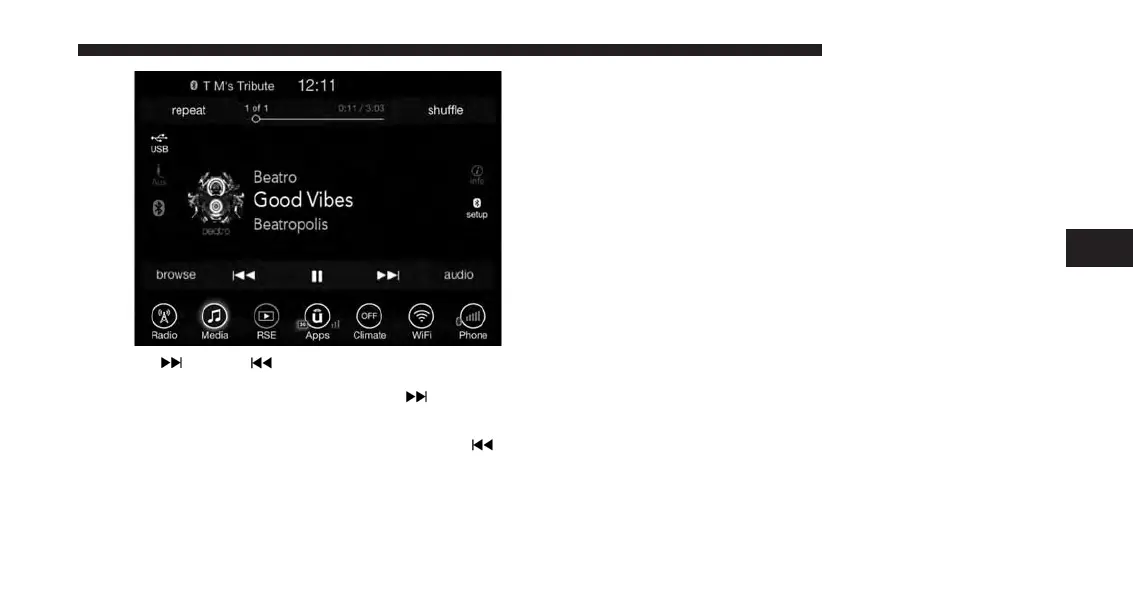
Seek Up
/Down
Press and release the “Right Arrow”
button on the
touchscreen for the next selection on the Bluetooth
device. Press and release the “Left Arrow”
button
on the touchscreen to return to the beginning of the
current selection, or return to the beginning of the
previous selection if the Bluetooth device is within the
first second of the current selection.
Media Mode
Press the “Media” button on the touchscreen to select the
desired audio source: Bluetooth.
Tracks
If the Bluetooth device supports this feature, press the
“trks” button on the touchscreen to display a pop up with
the Song List. The currently playing song is indicated by
a red arrow and lines above and below the song title.
Pressing the “trks” button on the touchscreen while the
pop up is displayed will close the pop up.
Audio
Refer to Radio Mode for adjusting the audio settings.
4
UCONNECT 8.4A/8.4AN 125



 To Next Page