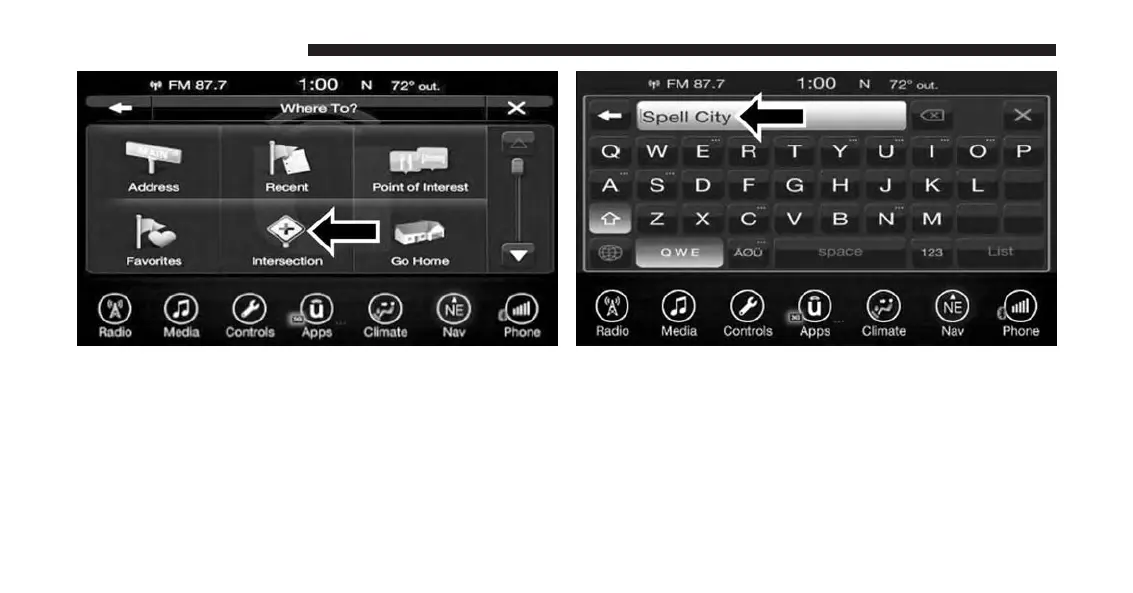
2. Press the “Enter City” button, to enter the desired city
name.
NOTE: If the system automatically recognizes the city it
will populate a list of recognized cities, if not press the
“List” button to select from the available options.
3. Once the correct City has been selected, you will be
asked to spell the desired street name, then enter the
intersecting street.
NOTE: If the system automatically recognizes the street it
will populate a list of recognized streets, if not press the
“List” button to select from the available options.
174 UCONNECT 8.4A/8.4AN



 To Next Page