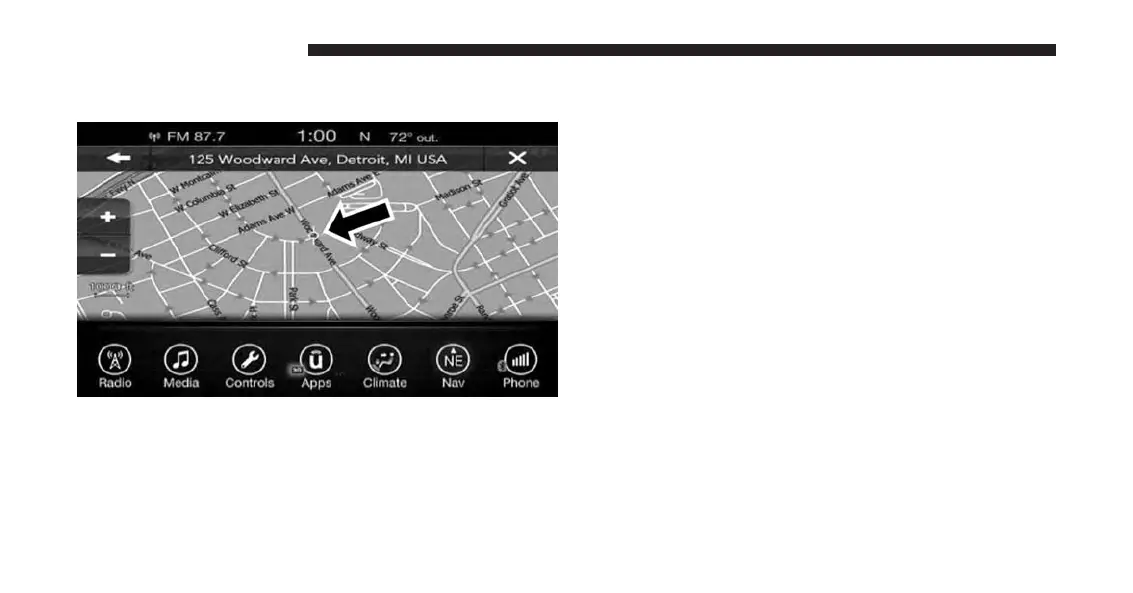
2. Use the touchscreen to drag the center of the cross
over the desired destination.
3. Either press the “address bar” at the top center of the
screen to confirm your location, or press the “Details”
button in the upper right corner to display the avail-
able locations near that point on the map.
4. Press the “Yes” button on the touchscreen to confirm
your destination and begin your route.
If you are currently on a route guidance and you select a
Point on Map, the system will ask you to choose one of
the following:
• Cancel previous route
• Add as first destination
• Add as last destination
NOTE: You can press the “back arrow” button on the
touchscreen to return to the previous screen or the “X”
button on the touchscreen to exit.
182 UCONNECT 8.4A/8.4AN



 To Next Page