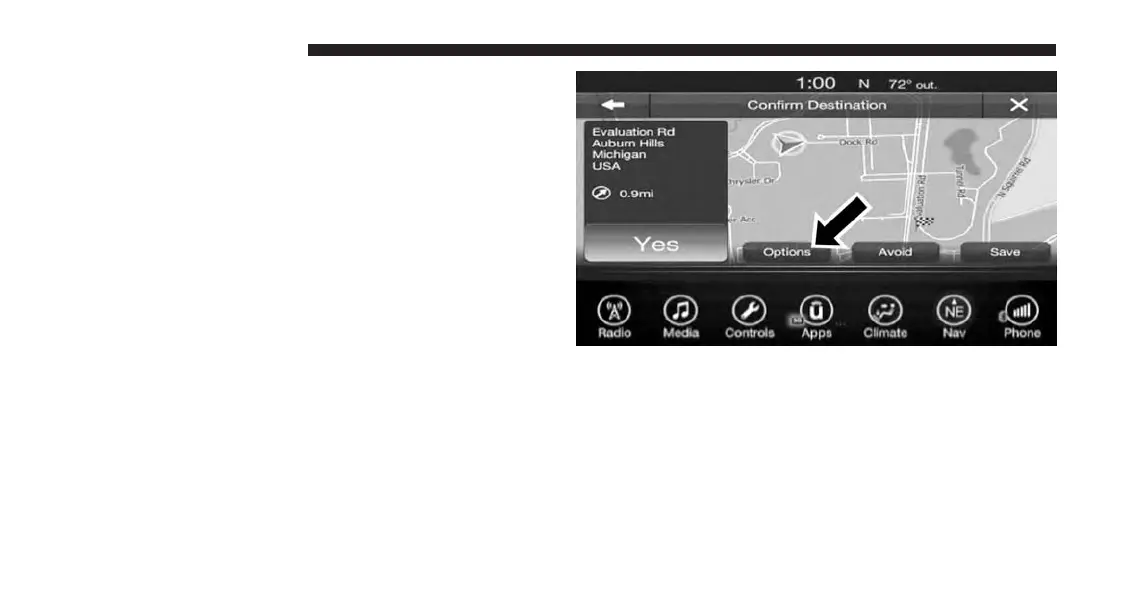
Before Route Guidance
Before confirming the route with the “Yes” button on the
touchscreen, it is possible to select options different from
the default route settings.
• Options – Press the “Options” button on the touch-
screen to display a list of options to alter your route. To
make a selection press and release the desired setting
until a check-mark appears.
188 UCONNECT 8.4A/8.4AN



 To Next Page