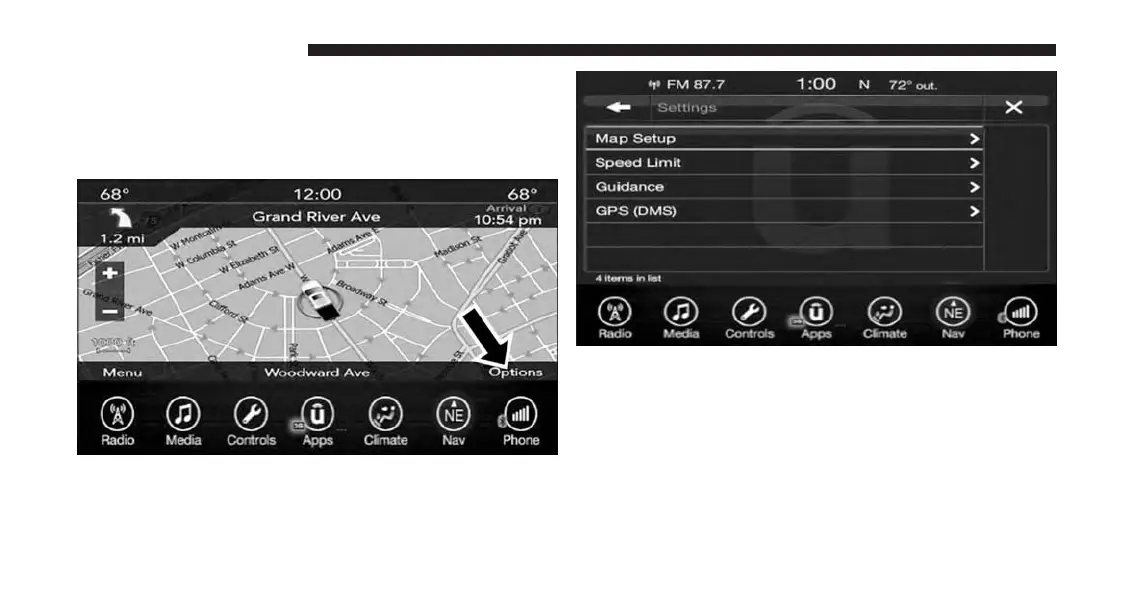
View Map — Settings
With the Map displayed, press the “Options” button on
the touchscreen then press the “Settings” button on the
touchscreen.
The following Map Settings are available:
• Map Setup — Press this button on the touchscreen to
display items to customize how your map is viewed.
Settings – Map Setup for more information.
194 UCONNECT 8.4A/8.4AN



 To Next Page