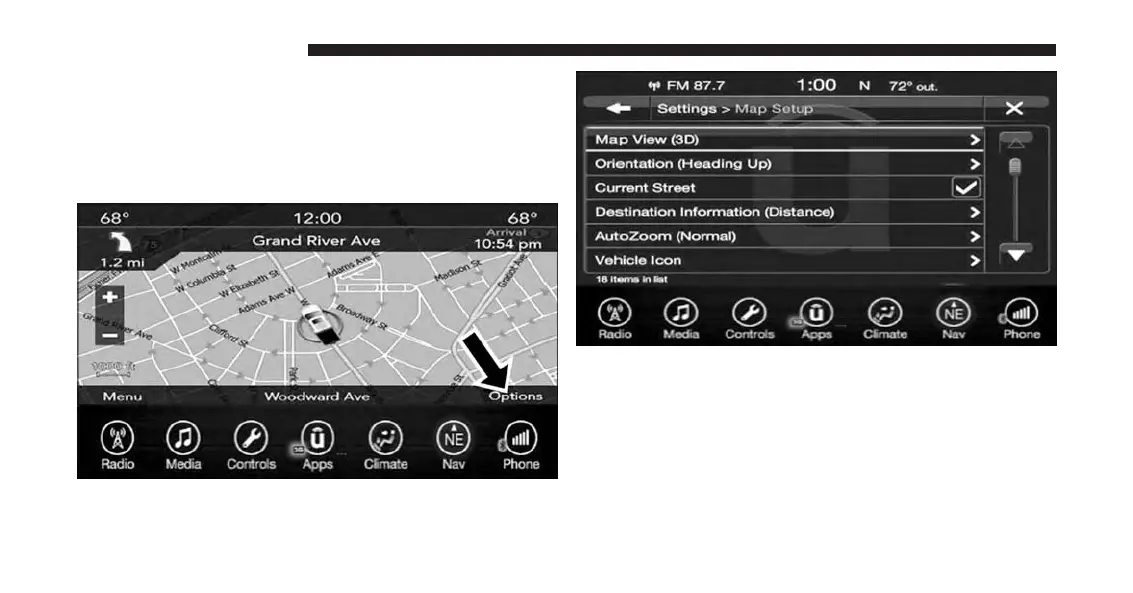
Settings — Map Setup
With the Map displayed, press the “Options” button on
the touchscreen, then press the “Settings” button on the
touchscreen and then the “Map Setup” button on the
touchscreen.
The following Map Setup options are available:
Map View
Press this button on the touchscreen to change how the
Map View is displayed. Press the desired button on the
touchscreen.
196 UCONNECT 8.4A/8.4AN



 To Next Page