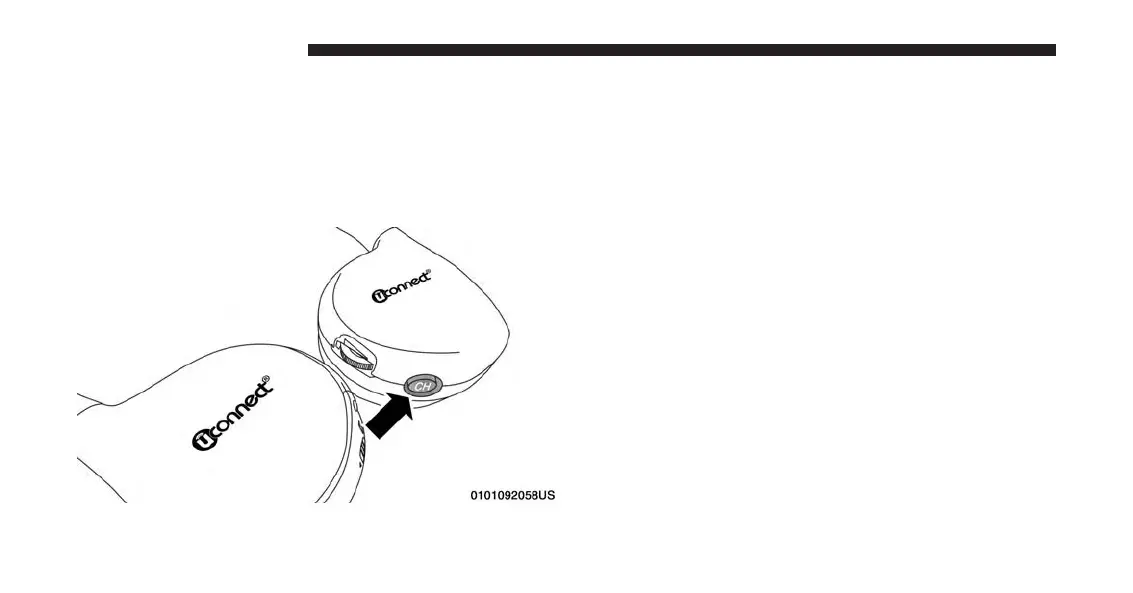
NOTE: Uconnect Theater must be turned on before
sound can be heard from the headphones. To conserve
battery life, the headphones will automatically turn off
approximately three minutes after the rear video system
is turned off.
Changing the Audio Mode for Headphones
1. Ensure the remote control and the headphones are on
the same channel.
2. Push the Home button on the remote control.
3. When the Home menu appears on screen, use the
arrow buttons on the remote control to navigate to the
available modes and push the OK button to select the
new mode or use the touchpad at the top of the remote
control.
Replacing The Headphone Batteries
Each set of headphones requires two AAA batteries for
operation. To replace the batteries:
1. Locate the battery compartment on the left ear cup of
the headphones, and then slide the battery cover
downward.
2. Replace the batteries, making sure to orient them
according to the polarity diagram shown.
232 UCONNECT 8.4A/8.4AN



 To Next Page