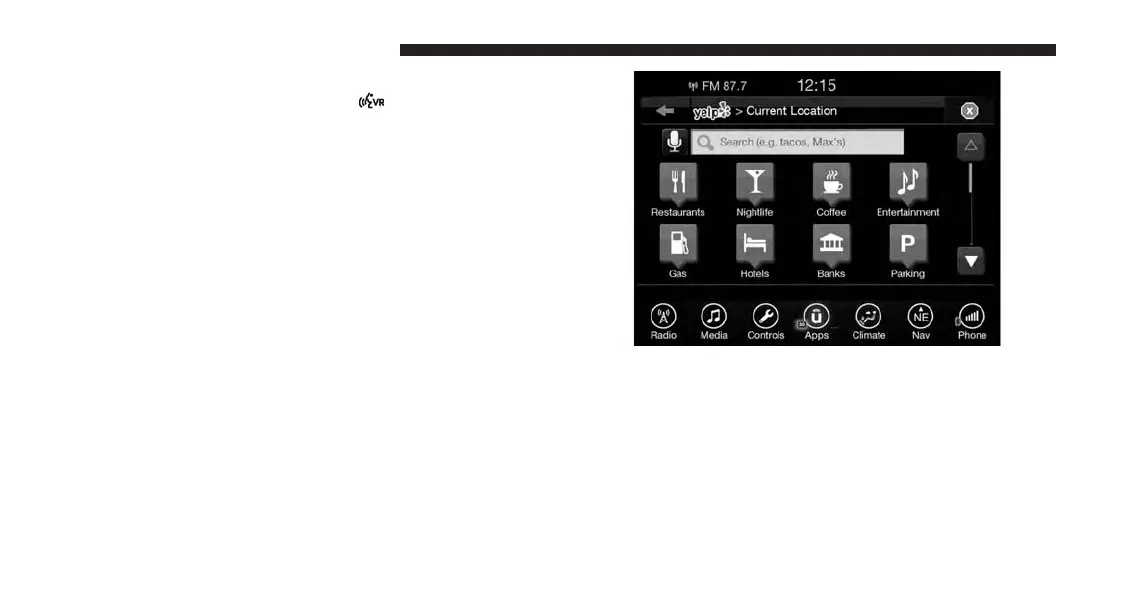
3. Once the YELP home screen appears on the touch-
screen, push the VR button
, then say: “YELP
search.”
4. Listen to the system prompts and after the beep, tell
Uconnect the place or business that you’d like
Uconnect to find.
TIP: Once you perform a search, you can reorganize the
results by selecting either the Best Match, Rating or
Distance tab on the top of the touchscreen display.
272 VOICE RECOGNITION QUICK TIPS



 To Next Page