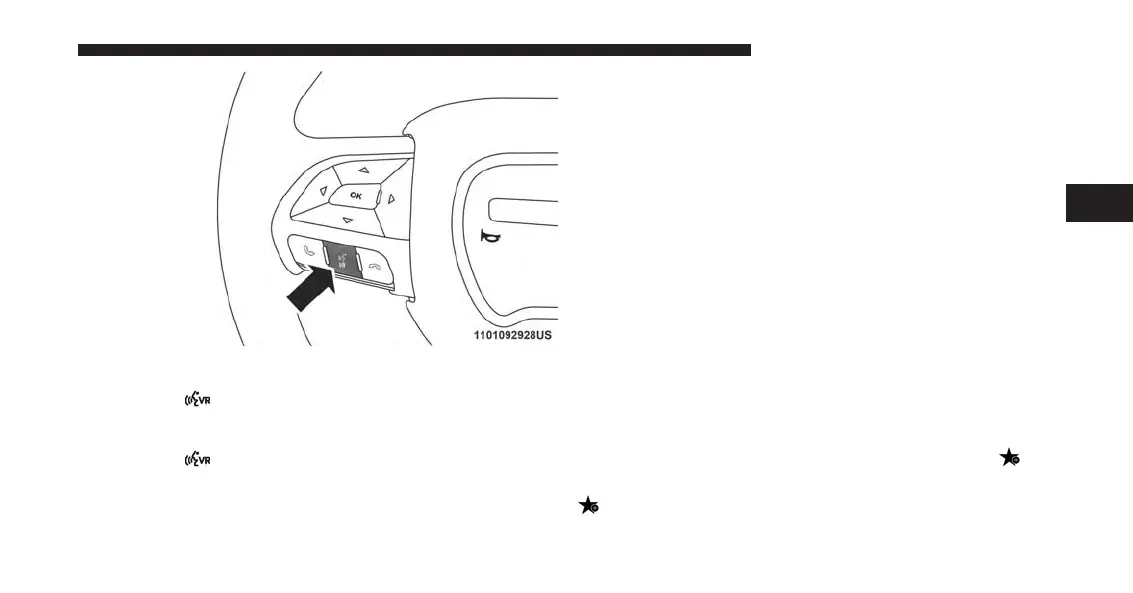
Give It A Try!
1. Push the
button on the steering wheel and say
“Launch Yelp.”
2. Push the
button on the steering wheel and say
“Yelp Search.”
3. Uconnect will prompt you to say something like, “car
wash.” After the beep, say “restaurants.”
4. The Uconnect system will link out to the cloud to do
your Yelp search, and depending on your search
request, this may take up to 30 seconds.
5. Using the touchscreen, select a restaurant from the list
of search results.
6. Navigate to the location by pressing “Go Now” (if
equipped with navigation).
NOTE: Save your destination to Favorites. To find it
again go to Nav > Where to > Favorites.
How To Add And Delete Search Categories
Yelp provides the ability to save custom search categories
by first initiating the search, then pressing the star
.To
delete a search category, select it, and press the star
. A confirmation prompt will appear to confirm.
Create up to 36 custom search categories!
3
ALL ABOUT UCONNECT ACCESS 37



 To Next Page