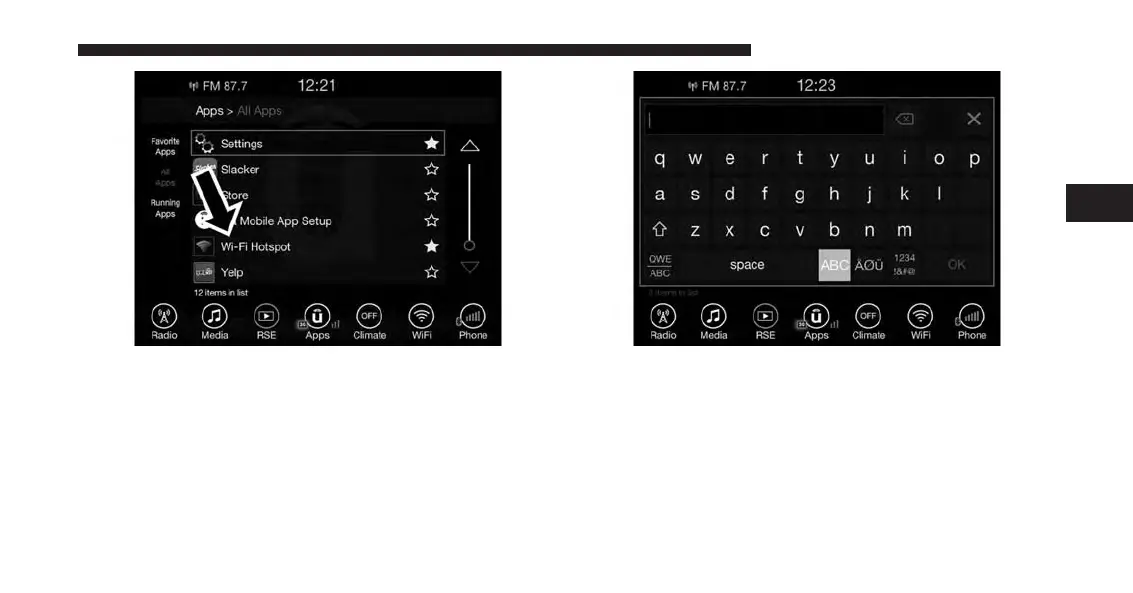
3. WiFi Hotspot should be turned on after purchasing a
subscription. To disable WiFi Hotspot, simply press to
uncheck the box to the right of the App (this feature is
available while the vehicle is in motion).
Optional: Give your hot spot a unique name by
pressing Hotspot Name (key pad is not available
while vehicle is in motion).
4. From your in-vehicle touchscreen, select the appropri-
ate in-vehicle network and the desired security level
setting. Each security level has different pass phrase
constraints. Change the security level setting by select-
ing the checkbox for any of the following security
settings.
3
ALL ABOUT UCONNECT ACCESS 47



 To Next Page