ULEAD VIDEOSTUDIO USER GUIDE
23
To apply Pan & Zoom:
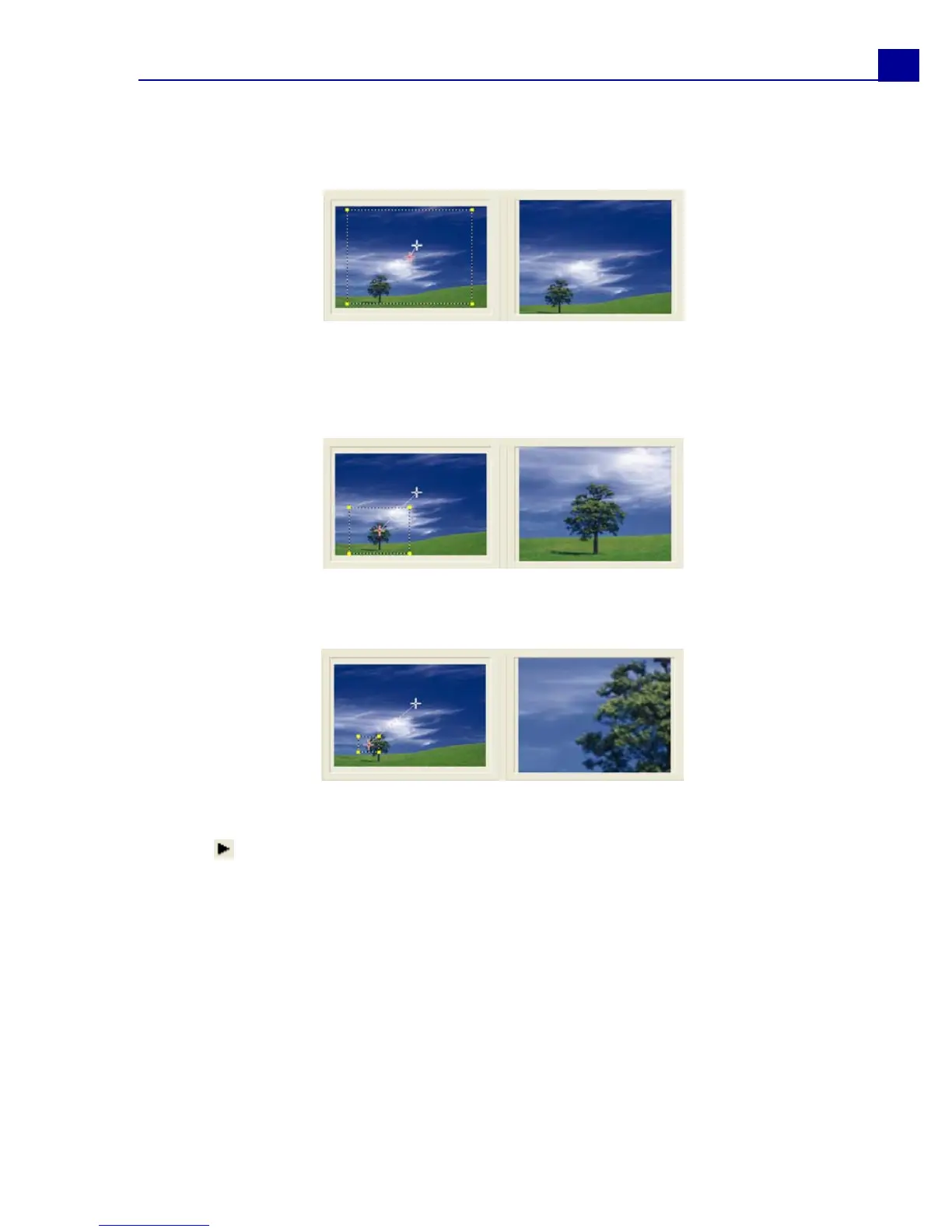
1. Drag the Start key frame, represented by a crosshair in the Image Window, to
the subject that you want to focus.
2. Zoom in on the subject by minimizing the marquee box or by increasing the
Zoom ratio.
3. Drag the crosshair of the End key frame to your desired final point.
4. Click to preview the effect.
5. Click OK to apply the effect to the image.
Image
Preview
Image
Preview
Image
Preview



 To Next Page