ULEAD VIDEOSTUDIO USER GUIDE
36
Applying animation
Apply motion to your text with VideoStudio’s text animation tools such as Fade,
Moving Path, and Drop.
To apply animation to the current text:
1. In the Animation tab, select Apply Animation.
2. Select the animation category to use in Type.
3. Select a preset animation from the box under Type.
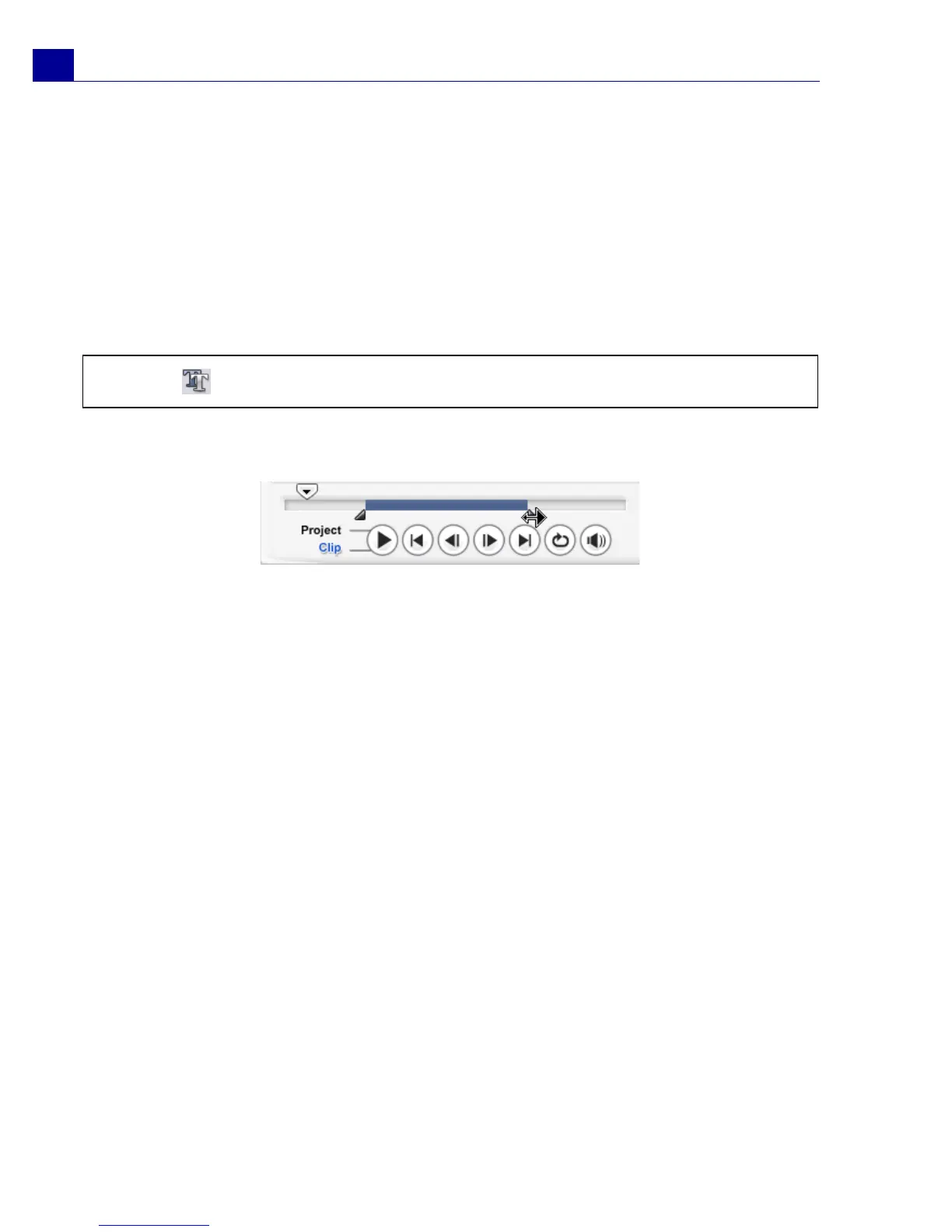
4. Drag the Pause duration handles to specify how long the text will pause after
it enters and before it exits the screen.
Tip: Click to open a dialog box where you can specify animation attributes.



 To Next Page