ULEAD VIDEOSTUDIO USER GUIDE
6
Step 2: Select a template
1. Select a theme template from the Theme template list. Home Movies
templates allow you to create movies that include both video and images while
Slideshow templates are used exclusively for creating image slideshows.
2. To set the overall length of your movie, click .
For Slideshow templates, specify Smart Pan &
Zoom in the Settings dialog box. Smart Pan &
Zoom automatically focuses the pan and zoom
motion to important parts of the image like the
face.
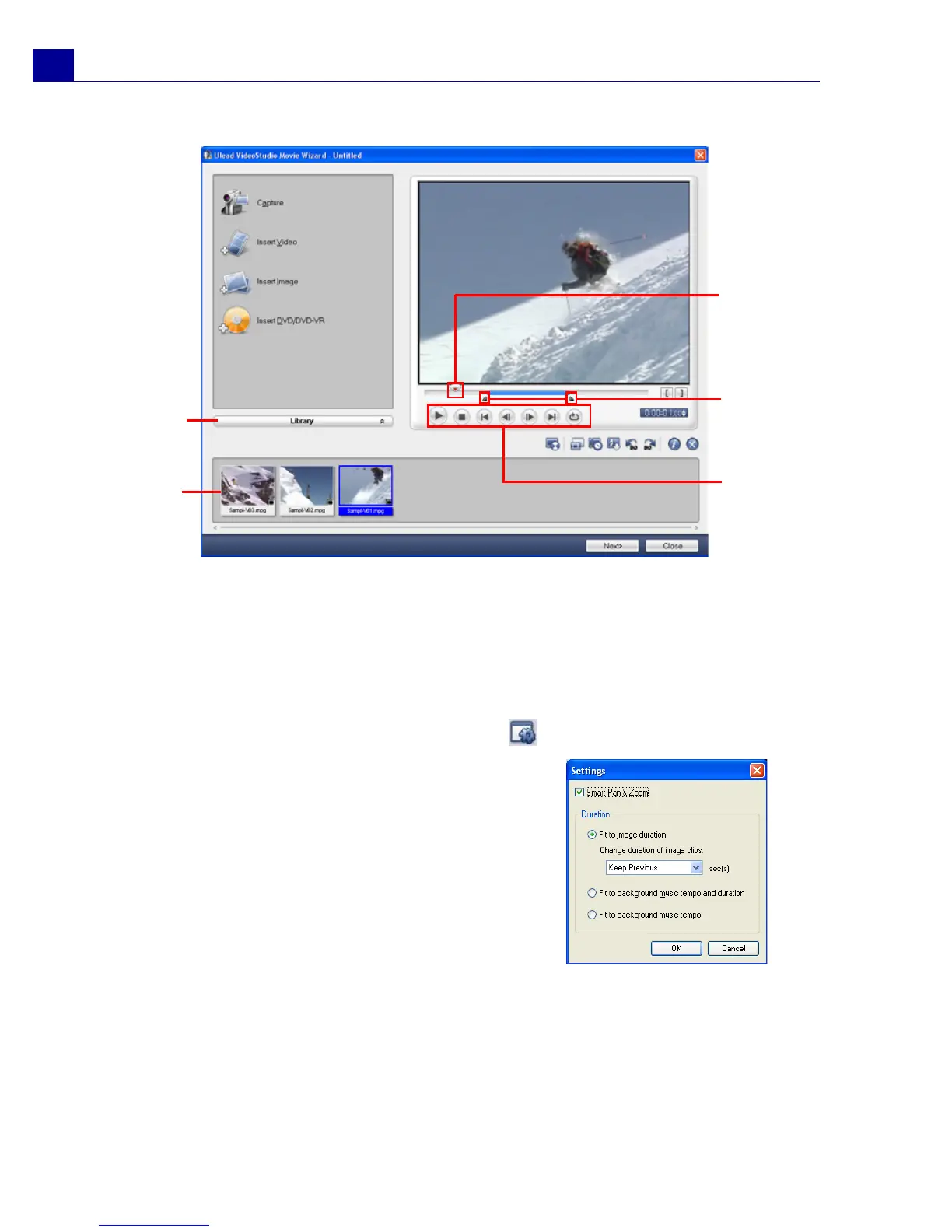
Jog Slider
Mark-in/
Mark-out
handles
Navigation
Panel
Media
Clip
List
Library



 To Next Page