ULEAD VIDEOSTUDIO USER GUIDE
60
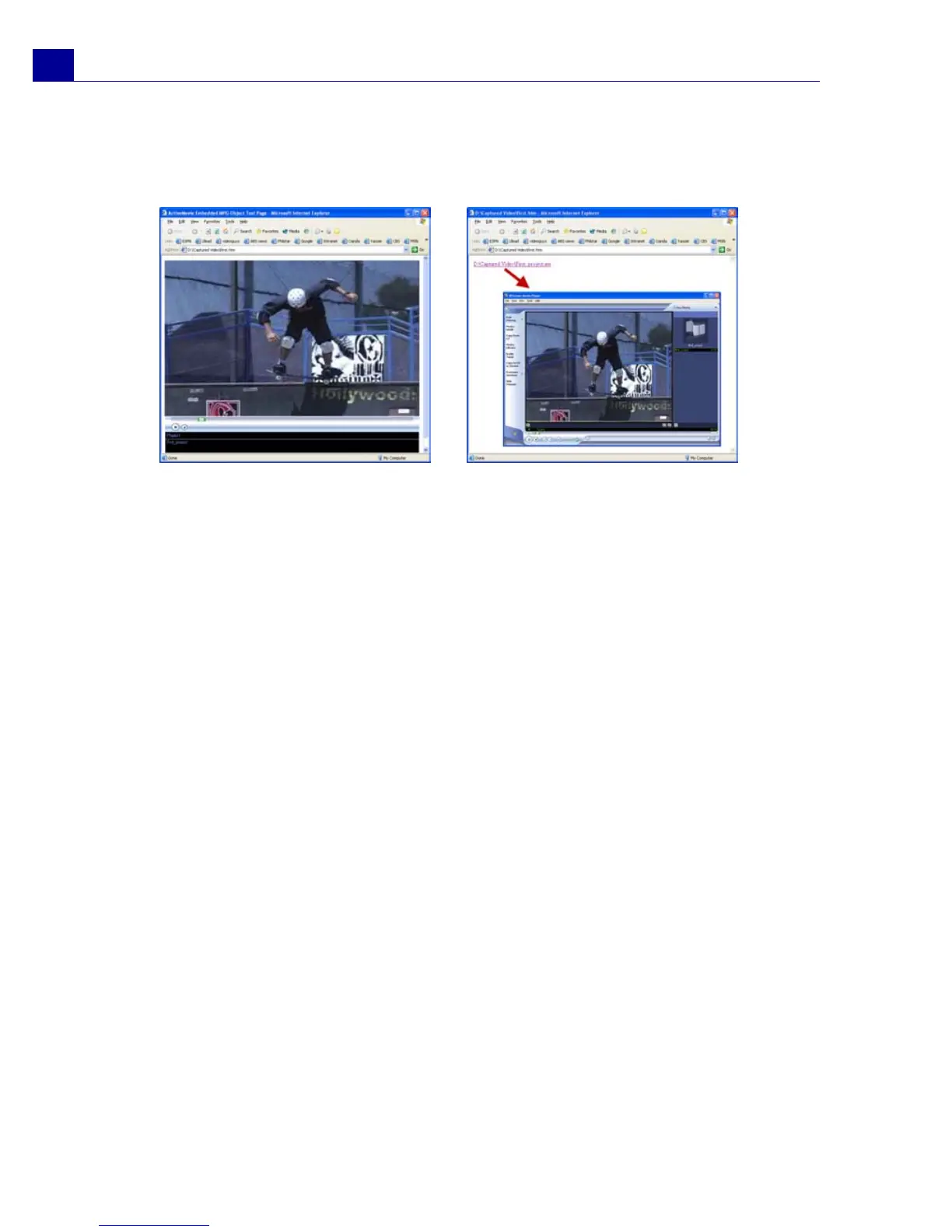
Your default browser will open, displaying your page. When you upload this page to
your Web server, you need to change one line of code to reflect the relative links to
the associated movie file.
Sending a movie by e-mail
When you select E-mail, VideoStudio automatically opens your default e-mail
client and inserts the selected video clip into a new message as an attachment.
Enter the necessary infomation in the fields then click Send.
If your e-mail program was not previously configured as the default e-mail client,
follow the instructions below to set up your e-mail program. In MAPI-compliant
programs such as Netscape Mail and Eudora, you need to enable their MAPI
(Messaging Application Programming Interface) option.
To set up Microsoft Outlook Express as your default e-mail program:
1. In Outlook Express, select Tools: Options.
2. Click the General Tab in the Options dialog box.
3. Under Default Messaging Programs, click the Make Default button after
the This application is NOT the default Mail handler option.
4. Click Apply.
To enable MAPI in Netscape Mail:
1. In Netscape Mail, select Edit: Preferences.
With Activemovie control
Without Activemovie control



 To Next Page