ULEAD VIDEOSTUDIO USER GUIDE
59
reasonable file sizes, viewers can download your movies from the Internet.
Creating video for the Internet requires proper use of video format and
compression to produce good quality but small file size video files.
After you have created a movie that is suitable for posting to the Internet,
VideoStudio can assist with the task of coding the HTML document.
To export your video onto a Web page:
1. Select a video clip from the Library.
2. Click Output video file to a different medium and select Web Page.
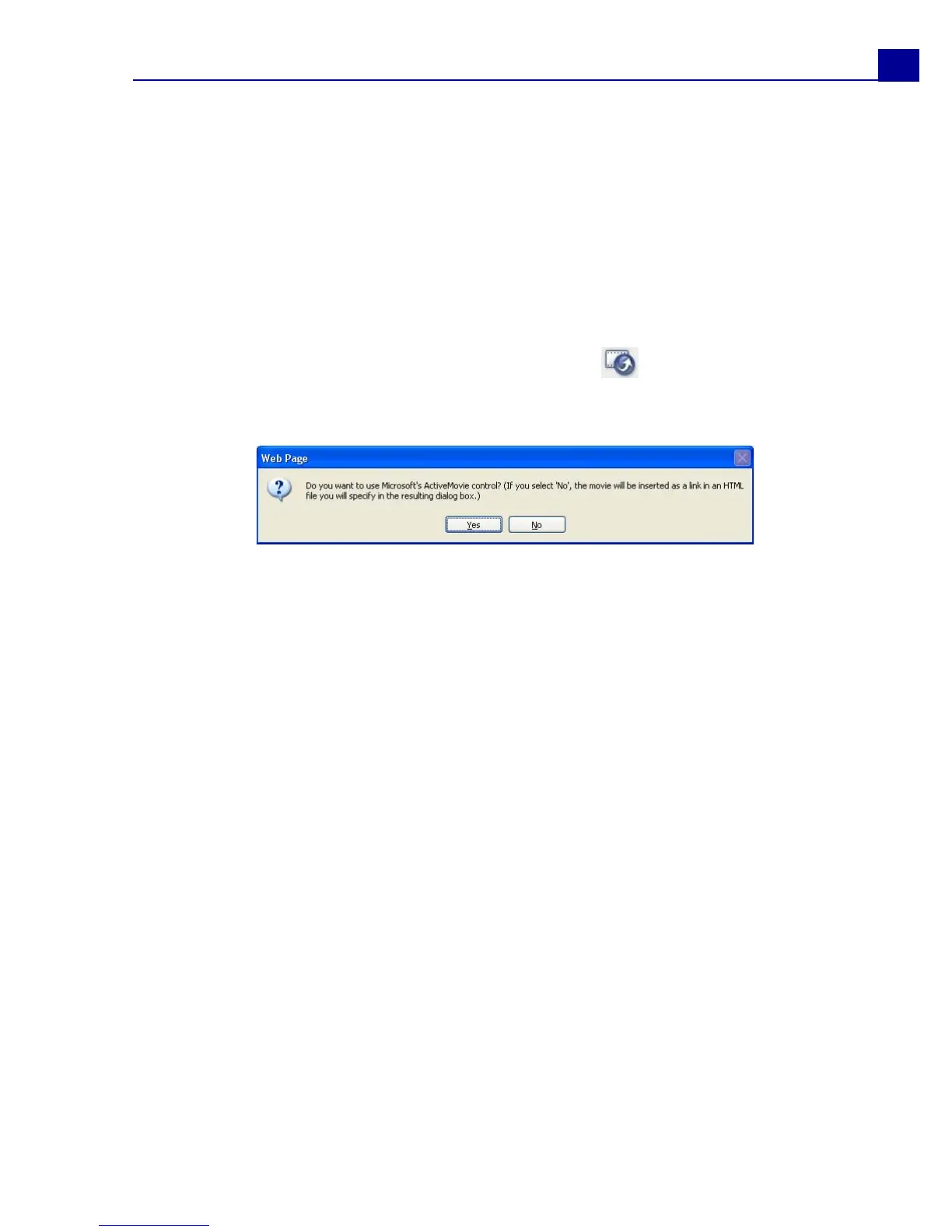
3. A message will appear asking if you want to use Microsoft ActiveMovie control
or not.
ActiveMovie is a small plug-in for your Internet browser (standard with IE 4.0 or
above) which your viewers need to install. If you choose No, the page will be set
up with a simple link to the movie.
4. Enter a name and location for the new HTML file.
5. Click OK.



 To Next Page