ULEAD VIDEOSTUDIO USER GUIDE
52
In this example, Clip 1 has three chapters so when you click the Clip 1 video
thumbnail, it will jump to submenu #1. If you look at Clip 2, it has no chapters
assigned to it so when you click Clip 2, the video will start playing from the
beginning.
To edit menus:
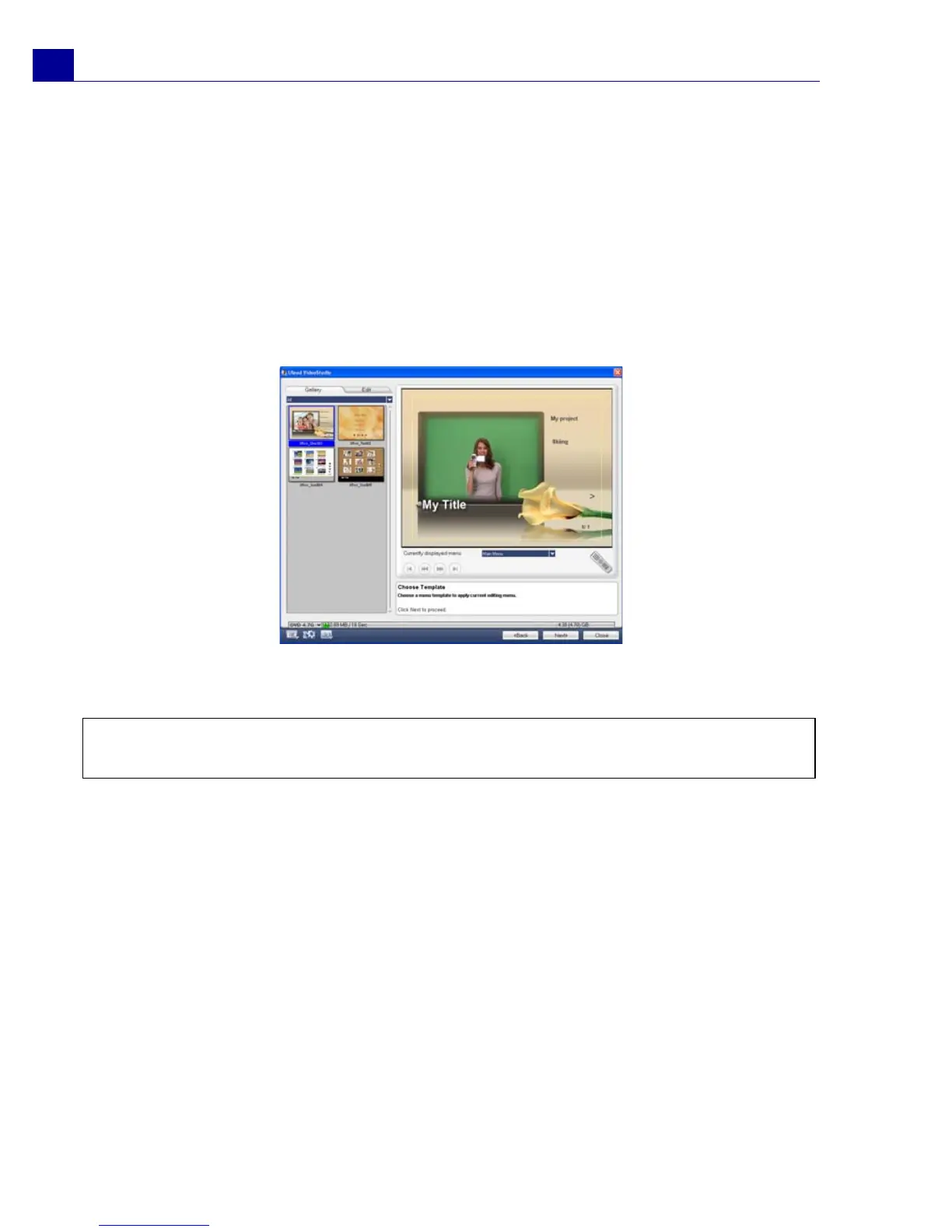
1. By default, VideoStudio automatically makes all required menus for you. Use
Currently displayed menu to switch to the menu you want to edit.
2. In the Gallery tab, click Menu template category and select a specific
category. Click a particular template to apply.
3. Click "My Title" to customize the menu heading. You can also click the text
description under each video thumbnail for customization.
4. In the Edit tab, you can further customize your movie by adding background
image, music or audio and by modifying font properties.
Note: If you do not modify “My Title” and the thumbnail descriptions or skip Step 2,
there will be no menu heading and thumbnail text in the final output.



 To Next Page