ULEAD VIDEOSTUDIO USER GUIDE
57
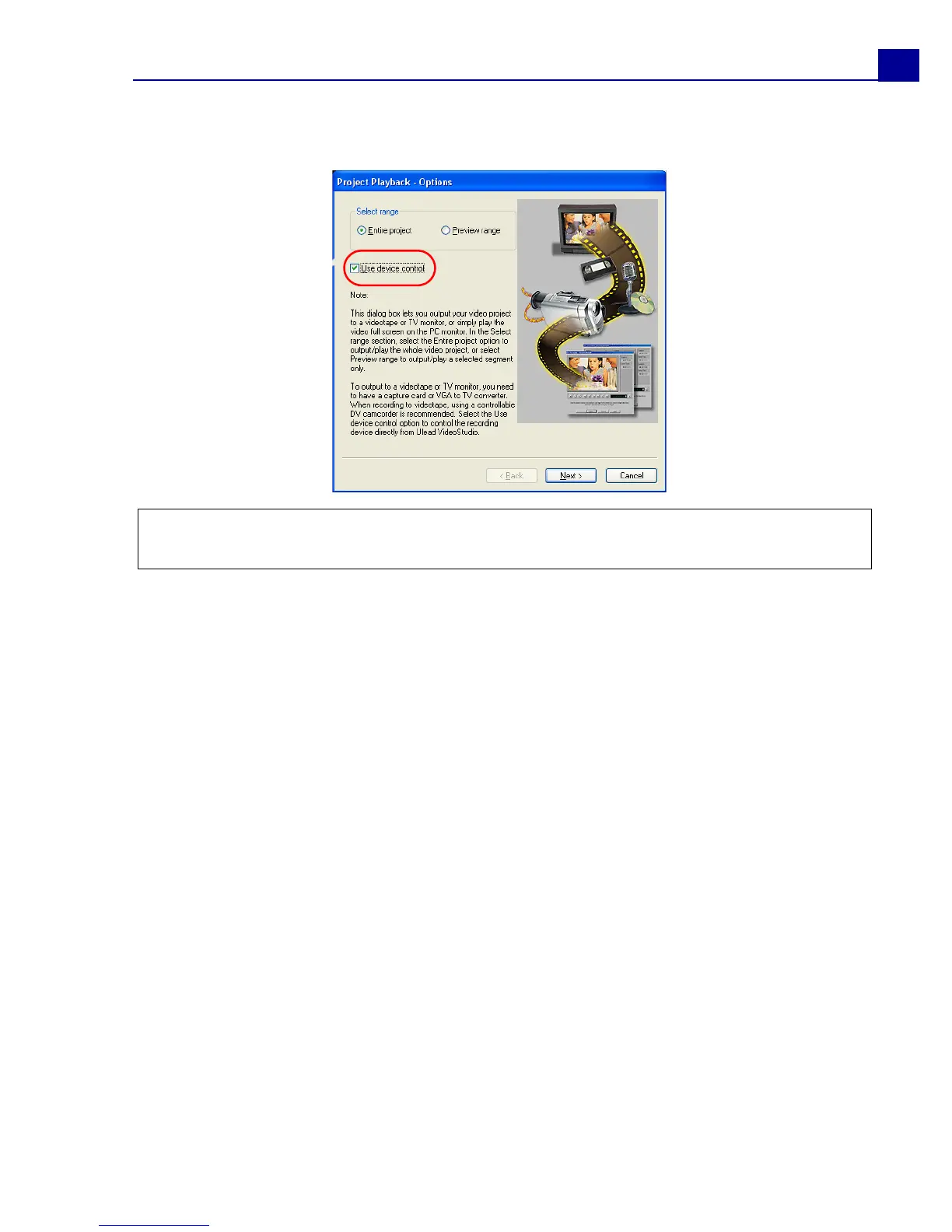
3. In the Project Playback - Options dialog box, select Use device control then
click Next.
4. In the Project Playback - Device Control dialog box, use the Navigation
Panel to go to the section of the DV tape where to start recording your project.
Note: If you only want to output the preview range of your project to the DV
camcorder, select Preview range.



 To Next Page