EN
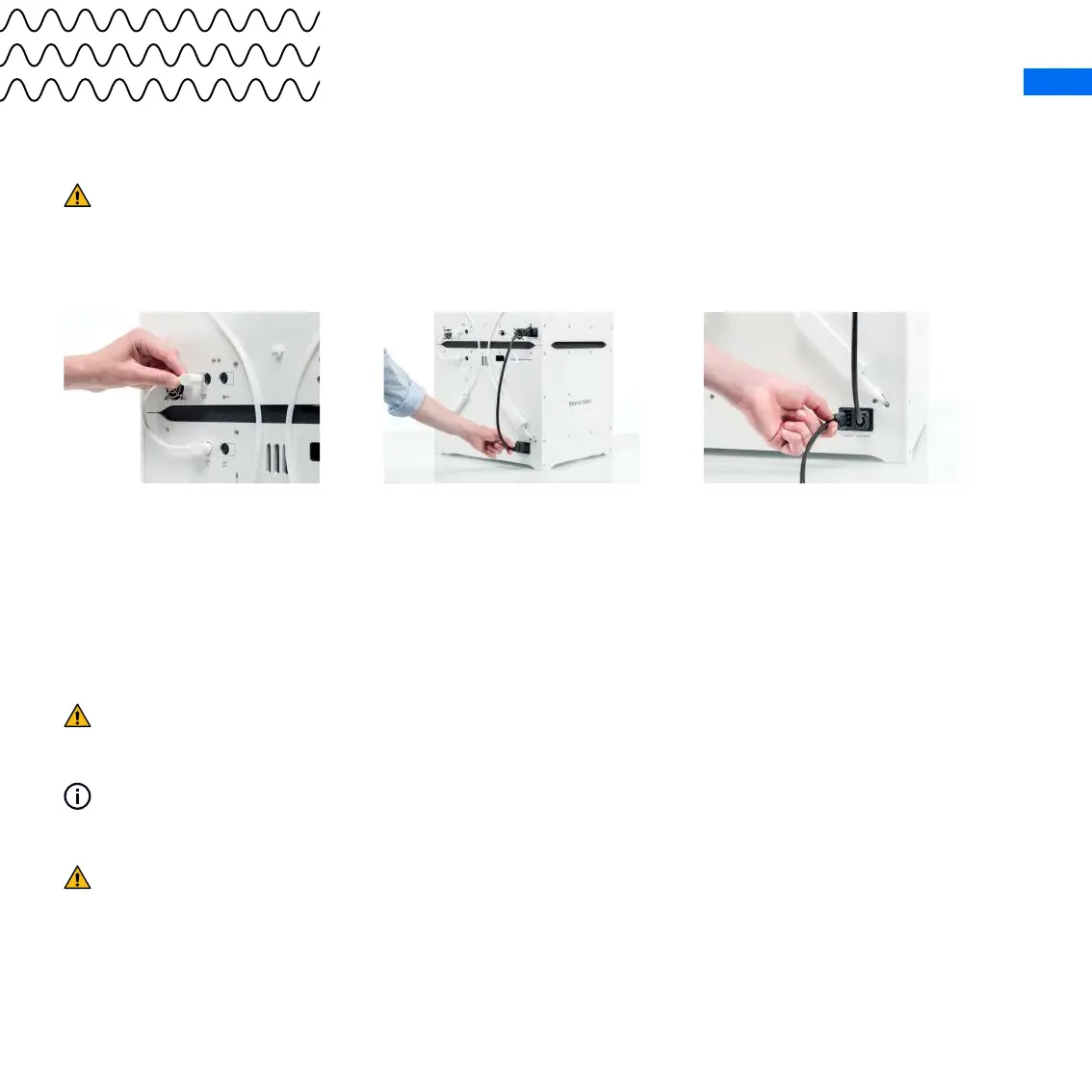
7. Plug the other end of
the cable into the UMB
OUT port at the back of
the Ultimaker S5
8. Connect the Material
Station to the Ultimaker
S5 with the power
extension cable
9. Connect the power
cable to the Material
Station and the other
end to a power outlet
If you have a Material Station and Air Manager, connect the Air Manager cable to the
UMB OUT port of the Material Station.
A power outlet with an earth connection must be used. Be sure that the building installation
has dedicated means for over-current and short-circuiting.
The Material Station will automatically power on when power is supplied. This way the
humidity can be continuously controlled while the door is closed.
The Ultimaker S5 and Material Station must be positioned out of direct sunlight when in use.
Ensure there is at least 10 cm of space behind the Material Station for airow.



 To Next Page