18 GB/IE/NI/CY/MT
If required, the emergency stop
switch
5
can be pressed at any
time. “STOP” will be displayed in
red on the digital charging display.
You can go back to the original
state by rotating the emergency stop
switch
5
anti-clockwise a little.
Start the charging process:
Completely unwind the electric
car connection cable
7
.
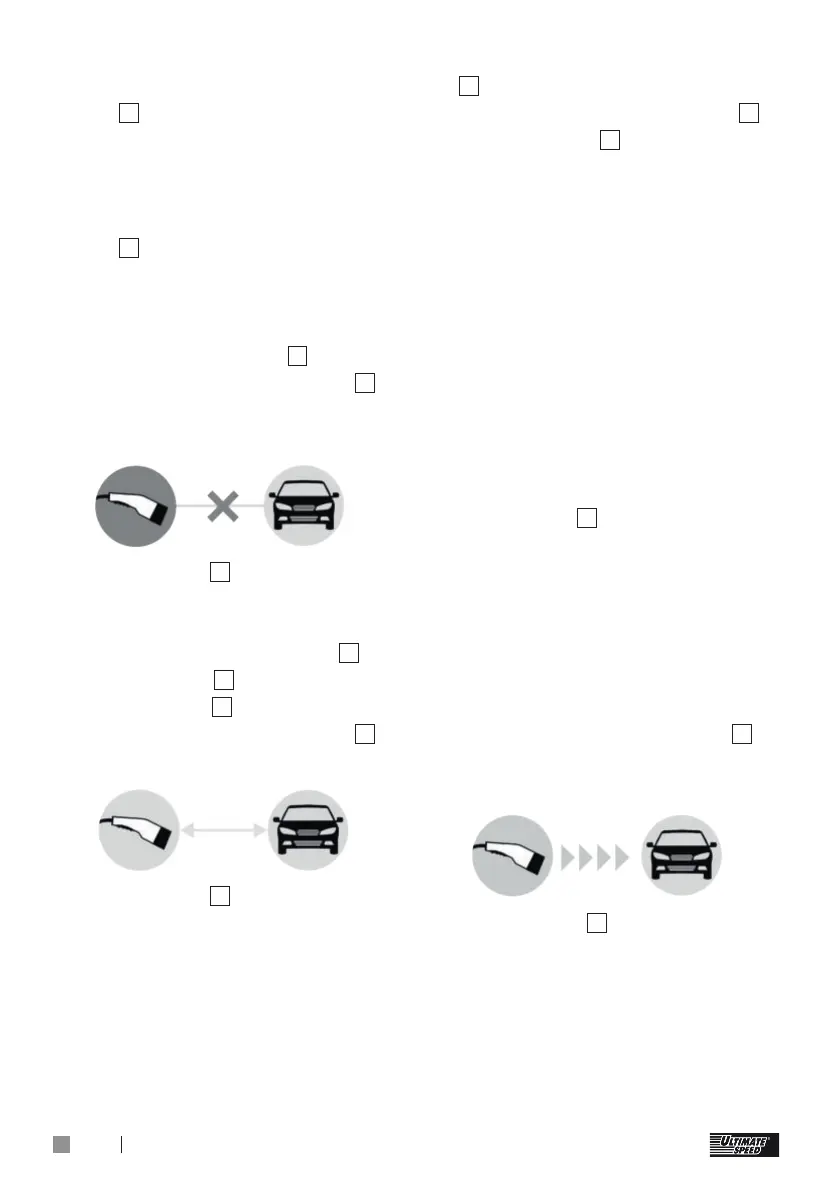
The digital charging display
3
indicates that a car is not yet
connected:
The LED strip
4
lights up white
and indicates that charging is not
taking place.
Remove the protective cap
9
from the plug
8
on the car side.
Plug the plug
8
into the car.
The digital charging display
3
indicates that a car is connected:
The LED strip
4
continues to light
up white.
Start the charging process on
the car, if you want to charge
immediately, without using the
car’s timer.
Selecting the charge current:
Each time you press the button
2
a different charge current will
be displayed (charge current
10
on the display
3
). The following
charge currents can be selected if
only single phase is connected:
9 A (approx. 2 kW at 230 V)
13 A (approx. 3 kW at 230 V)
16 A (approx. 4 kW at 230 V)
The following charge currents
can be selected, if three phases
are connected (three-phase
current):
6 A (approx. 4 kW at 400 V)
10 A (approx. 7 kW at 400 V)
13 A (approx. 9 kW at 400 V)
16 A (approx. 11 kW at 400 V)
If the button
2
is not pressed
for 5 seconds, then the selection
is confirmed. The last selected
charge current will always be
stored.
The charging process will now
be activated as long as the car’s
charging timer is deactivated.
The digital charging display
3
indicates that the car is being
charged:
The LED strip
4
continually lights
up in a circle and this indicates
that current is flowing into
the car.
Otherwise the charging process
will start at the time programmed


 To Next Page
 Loading...