20 GB/IE/NI/CY/MT
End the charging process
on the charger
1
:
If, during charging, the button
2
is pressed for approx. 5 seconds,
the charging process will stop.
The digital charging display
3
indicates that the charging
process is complete:
The LED strip
4
lights up fully in
green. On the display
3
you can
read off the charging time
13
and
the energy supplied
14
.
By pressing it again for approx.
5 seconds, a new charging pro-
cess
can be activated. The digital
charging display
3
indicates that
a car is connected:
The LED strip
4
continues to light
up white.
The charge current can be
selected again by pressing the
button
2
within 5 seconds.
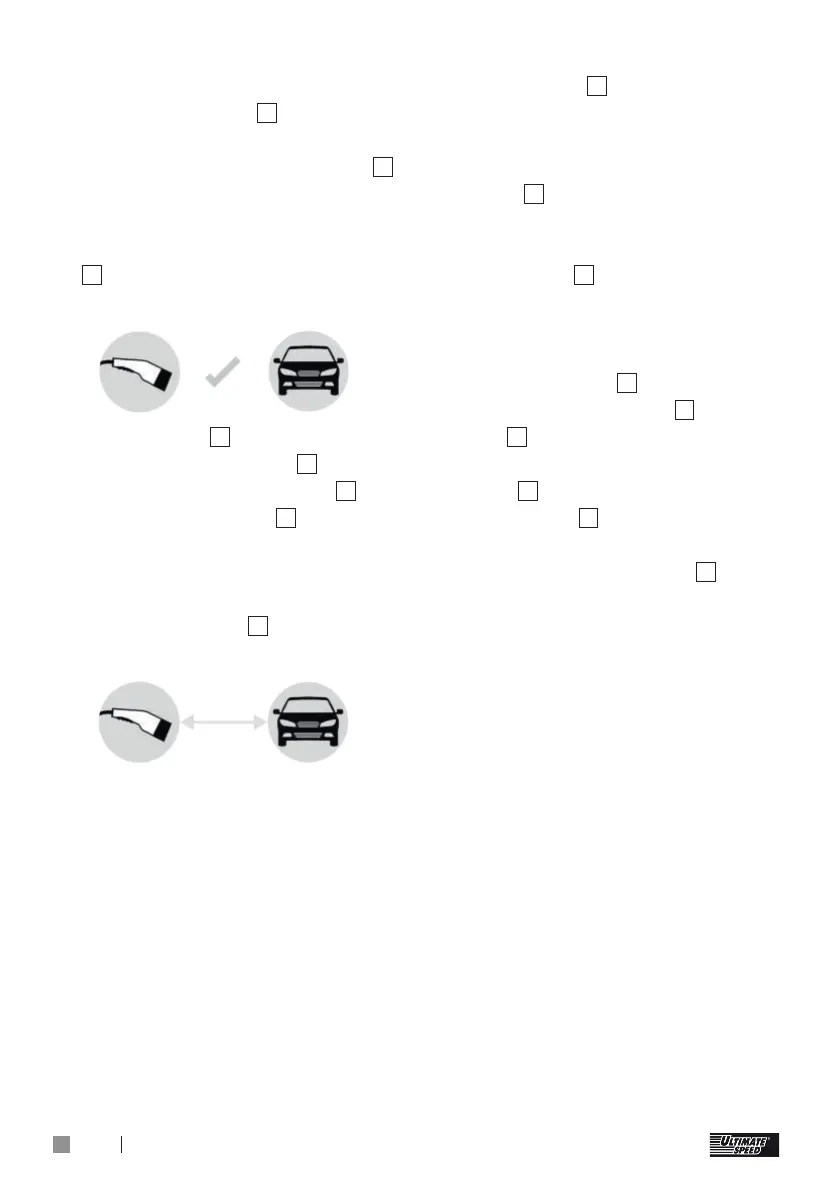
However if you want to disconnect
the charger
1
from your car,
proceed as follows:
Finish the charging process on
the car.
Unplug the plug
8
from the car
and put the cover cap
9
on the
plug
8
.
Wind the electric car connection
cable
7
up without kinks.
The charger
1
goes into standby
mode automatically after approx.
10 minutes, if the button
2
is not
pressed.
Voltage failure:
If there is a voltage failure, the
charging process will automatically
resume once the voltage returns.



 To Next Page